Free, no sign-up. Files are processed on your device and never uploaded.
How to compress a PDF
- Select the PDF. Tap “Select PDF file” or drop it in the box.
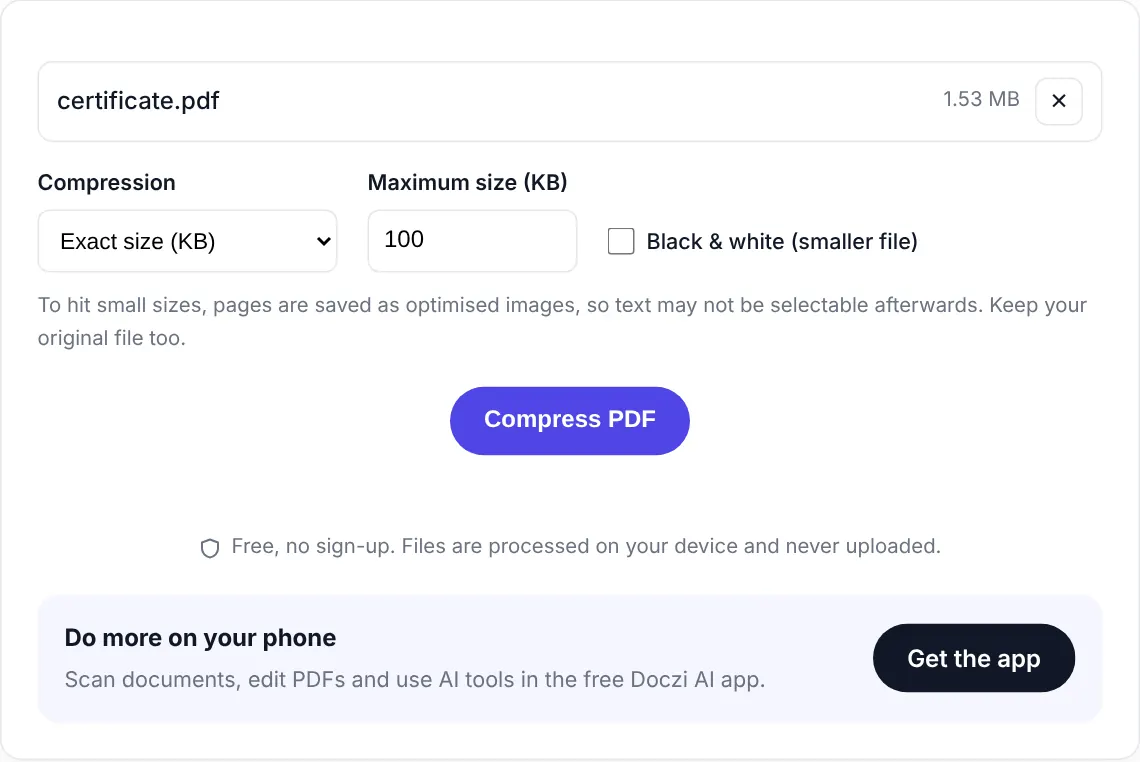
- Choose how small. “Recommended” is a good default. If a website gave you a limit like 200 KB, pick “Exact size (KB)” and type the number.
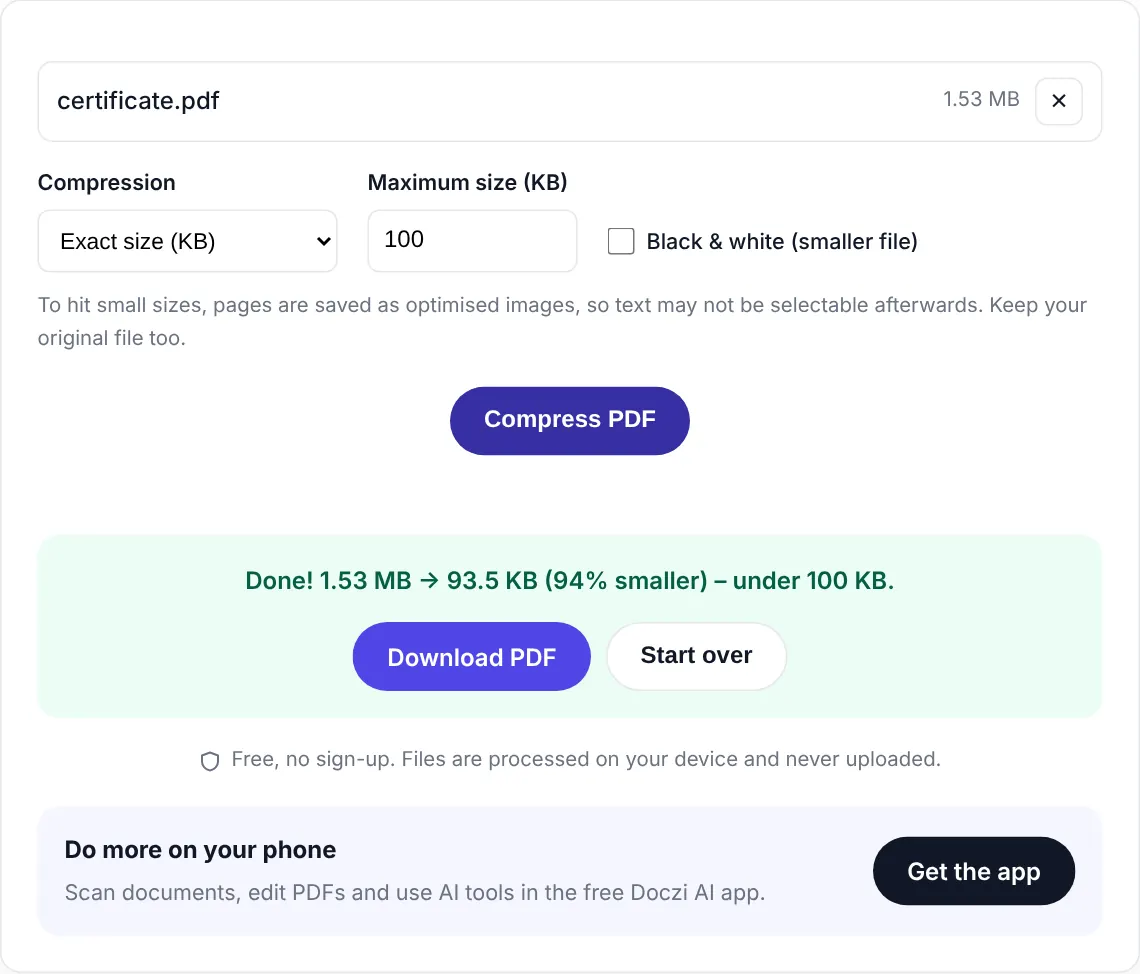
- Compress and download. You’ll see the old size, the new size and how much you saved.
Watch: compressing a PDF in 20 seconds
Levels vs exact size
The three levels are quick presets. “Light” keeps pages the sharpest. “Recommended” is what most people want. “Strong” goes as small as it sensibly can. How much you save depends on the file: our 1.5 MB phone scan came out at 136 KB on Light, and a 10.6 MB seven-page scan dropped to 371 KB on Recommended. A PDF typed in Word saves much less.
“Exact size” is the one most other free tools don’t really do. You type a number, say 150 KB, and the tool searches for the highest quality that still fits under it. It tries a few versions in the background, so it takes a little longer, but you don’t have to keep guessing and re-uploading.
Why your PDF is so large in the first place
Almost always it’s images. A PDF made from phone photos or a scanner at 600 dpi carries far more detail than anyone needs on screen. A 3-page scan can easily be 5 to 10 MB. A PDF typed in Word with no pictures is usually tiny already, and compressing it won’t change much.
One honest trade-off
To reach small sizes like 100 KB, we save each page as an optimised image. The PDF looks the same, but you may not be able to select or copy the text afterwards. When the file is already close to the target, we first try a lossless clean-up that keeps the text intact, and use that if it’s small enough. Either way, keep your original file.
Private by design
Salary slips, medical reports, bank statements: these are exactly the files people need to shrink, and exactly the files you shouldn’t upload to random servers. Doczi compresses inside your browser. The PDF never leaves your device.
Related tools
Need to join files first? Use Merge PDF. Starting from photos? Try JPG to PDF. Uploading an exam photo instead? See the photo and signature size for every exam.
Frequently asked questions
How much smaller will my PDF get?
Scanned documents and PDFs made from photos usually shrink by 60 to 90 percent. A PDF that is mostly typed text is already small, so it may barely change.
Can I compress a PDF to an exact size like 100 KB?
Yes. Choose "Exact size (KB)", type the number and press Compress. The tool finds the best quality that fits under that size. There are also ready pages for common sizes such as 50 KB, 100 KB and 200 KB.
Why can I not select text after compressing?
To reach small sizes, pages are saved as optimised images, so text becomes part of the picture. If you need selectable text, keep the original or use the Light level.
Is there a file size limit?
No fixed limit. Very large files with hundreds of pages are slow on older phones because the work happens on your device. A laptop handles them faster.
Is it safe for confidential documents?
Yes. The PDF is processed in your browser and never uploaded to any server.