Free, no sign-up. Files are processed on your device and never uploaded.
20 KB is one of the toughest limits you’ll run into. It shows up mostly on forms where the “document” is really a small item: a signature, a thumb impression, a declaration slip, or a single-line certificate. A one-page PDF can get there. A multi-page scan usually can’t, at least not in a readable way.
How to get a PDF under 20 KB
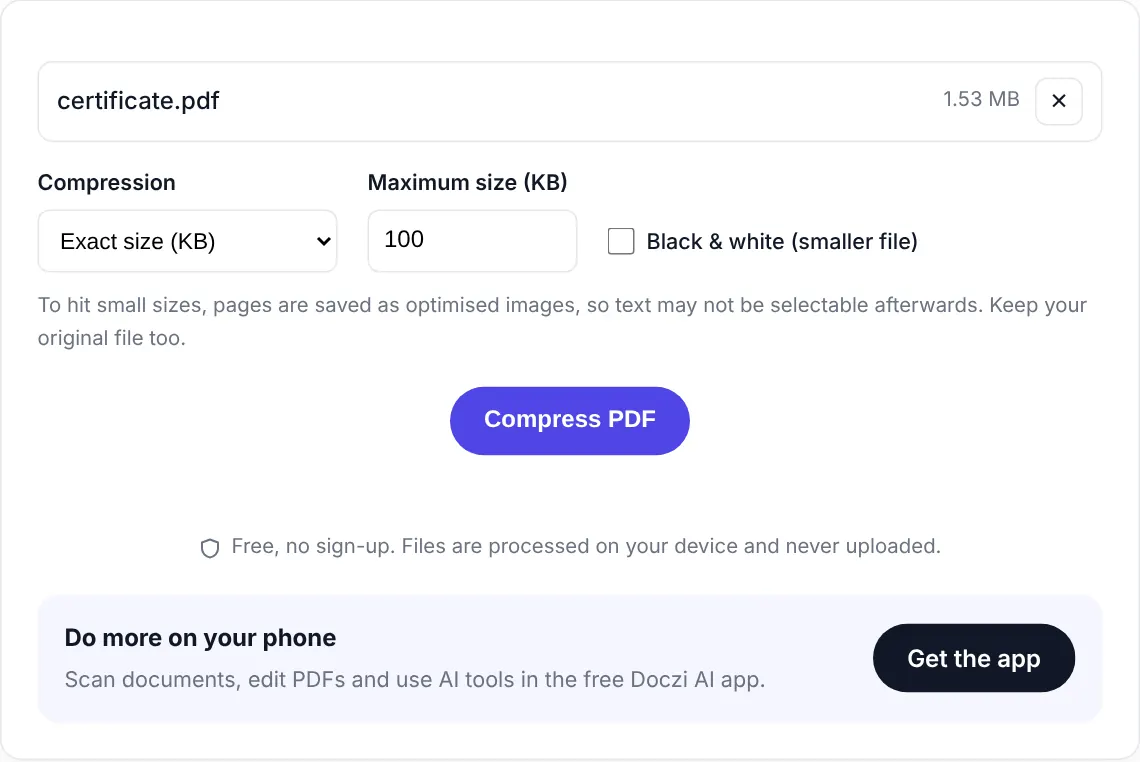
- Select your PDF. The target is already set to 20 KB.
- Tick Black & white. At this size it’s almost always needed, because colour takes up space you don’t have.
- Press “Compress PDF” and download the result.
Make it easier before you compress
Every extra page and every bit of empty background costs you bytes. If your PDF has a blank second page, delete it. If the scan has a wide border of table or floor around the paper, re-scan or crop it. A tight one-page document in black and white fits 20 KB with text still readable. Two pages is pushing it.
If you can’t get under 20 KB, the tool shows the smallest size it managed and tells you so. That number is useful: if it’s 24 KB, a tighter crop usually does it. If it’s 60 KB, the file simply has too much on it for this limit.
Is the form asking for a JPG instead?
Many 20 KB limits are actually for photo or signature images, not PDFs. Read the instruction carefully. If it says JPG, upload an image rather than a PDF.
Slightly bigger limit? Try compress PDF to 50 KB or 100 KB.
Private and free
The PDF is compressed inside your browser and never uploaded. There is no sign-up, no watermark and no limit on how many files you do. If you handle documents often, the free Doczi AI app adds a scanner, a PDF editor and AI summaries on your phone.
Frequently asked questions
Can any PDF be compressed to 20 KB?
No. A single clean page usually can, especially in black and white. Multi-page scans or colourful pages often cannot reach 20 KB and still be readable.
Why should I use black and white for 20 KB?
Colour information takes extra space. A black and white page compresses much better, which gives the tool room to keep the text sharper.
What if the result is still over 20 KB?
Remove extra pages, crop away the background around the paper, and try again. The tool tells you the smallest size it could reach so you know how far off you are.