Free, no sign-up. Files are processed on your device and never uploaded.
With 300 KB to work with, you’re in good shape. That’s enough for a handful of colour pages at quality that’s close to the original. It’s a typical limit for photo ID documents, combined ID and address proof, and some university and government application portals.
Steps
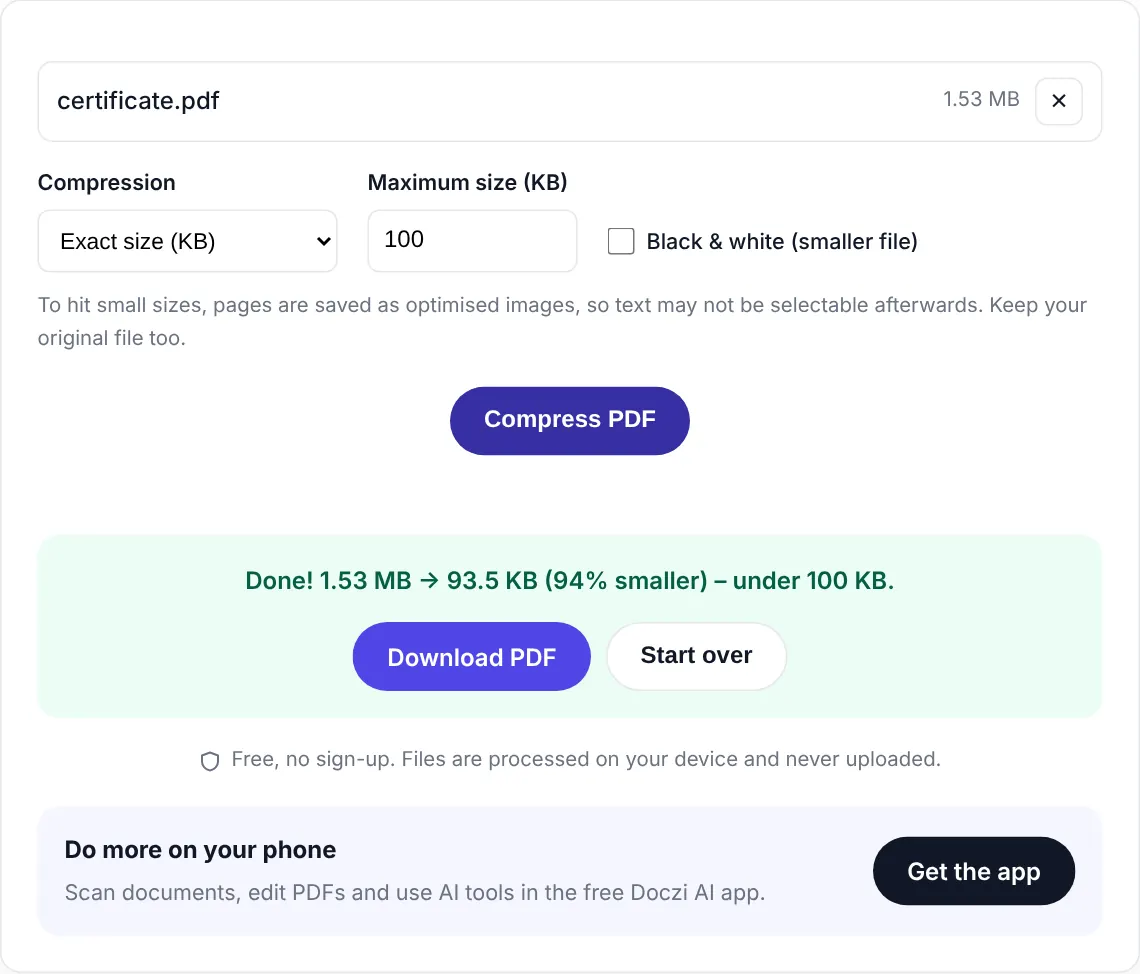
- Select your PDF. The target is already 300 KB.
- Press “Compress PDF”.
- Check the size shown in the result and download.
Combining several documents into 300 KB
Often the form asks for “ID proof” as a single file and you have the front and back of a card plus an address proof. Put them together with Merge PDF first. If they’re photos, convert them to PDF in the same go. Then bring the merged file back here and compress it to 300 KB.
When the file is already small
If your PDF is 350 KB, you probably don’t need heavy compression. The tool tries a lossless pass first, which can shave off enough while keeping every page exactly as it was. If that’s not enough, it moves on to image compression and picks the best quality under 300 KB.
Need a different number? See 200 KB or 500 KB.
Private and free
The PDF is compressed inside your browser and never uploaded. There is no sign-up, no watermark and no limit on how many files you do. If you handle documents often, the free Doczi AI app adds a scanner, a PDF editor and AI summaries on your phone.
Frequently asked questions
Is 300 KB enough for a good quality PDF?
Yes. Three to five scanned pages in colour look close to the original at 300 KB.
Can I combine files and keep them under 300 KB?
Yes. Merge them into one PDF with our Merge PDF tool, then compress the merged file here.
Are my documents uploaded?
No. Everything runs in your browser, so the files never leave your device.