Step-by-step: select a PDF, choose a compression level or an exact size such as 100 KB, and download the smaller file. Everything runs in your browser.
What this video shows
- Opening the free Compress PDF tool on docziai.com.
- Selecting a PDF from the phone or computer.
- Choosing a compression level, or typing an exact size such as 100 KB.
- Downloading the smaller PDF. The file is compressed in the browser and never uploaded.
Open the free Compress PDF tool
More videos
 How to merge PDF files into one (free, no upload)
 How to convert JPG photos to one PDF (free, no upload)
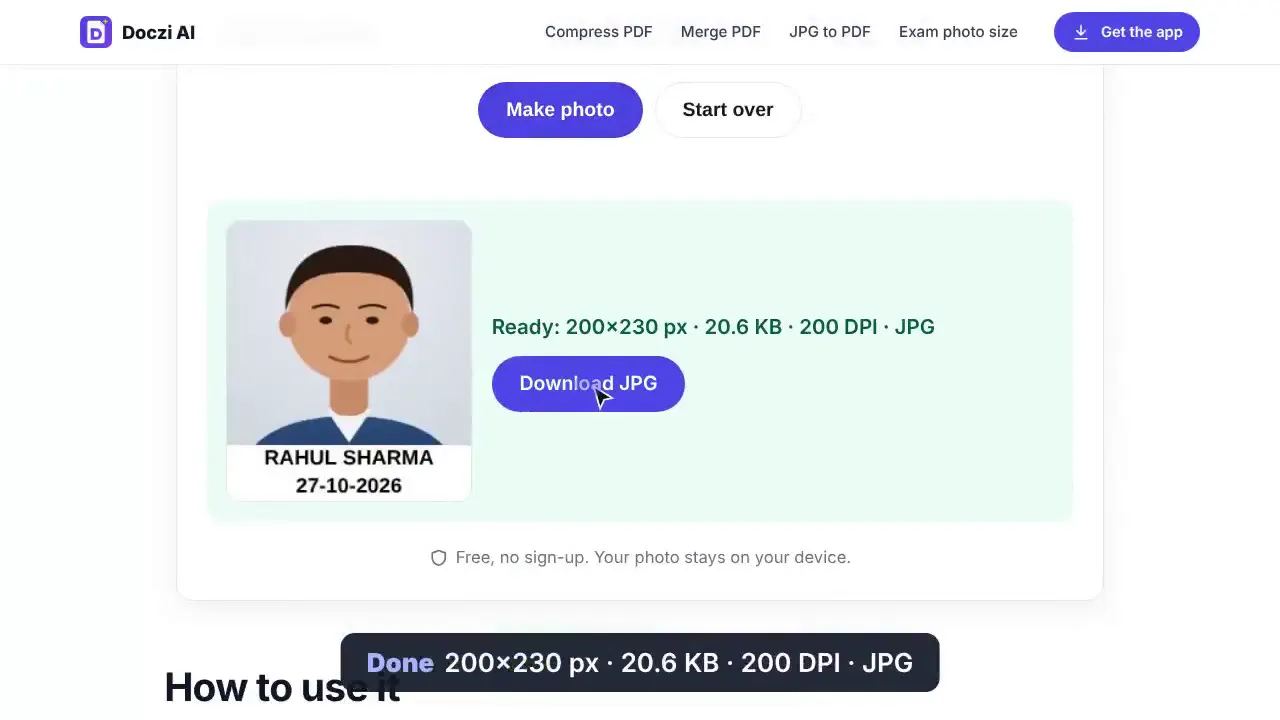 How to resize a photo to 20–50 KB for an exam form (free, no upload)
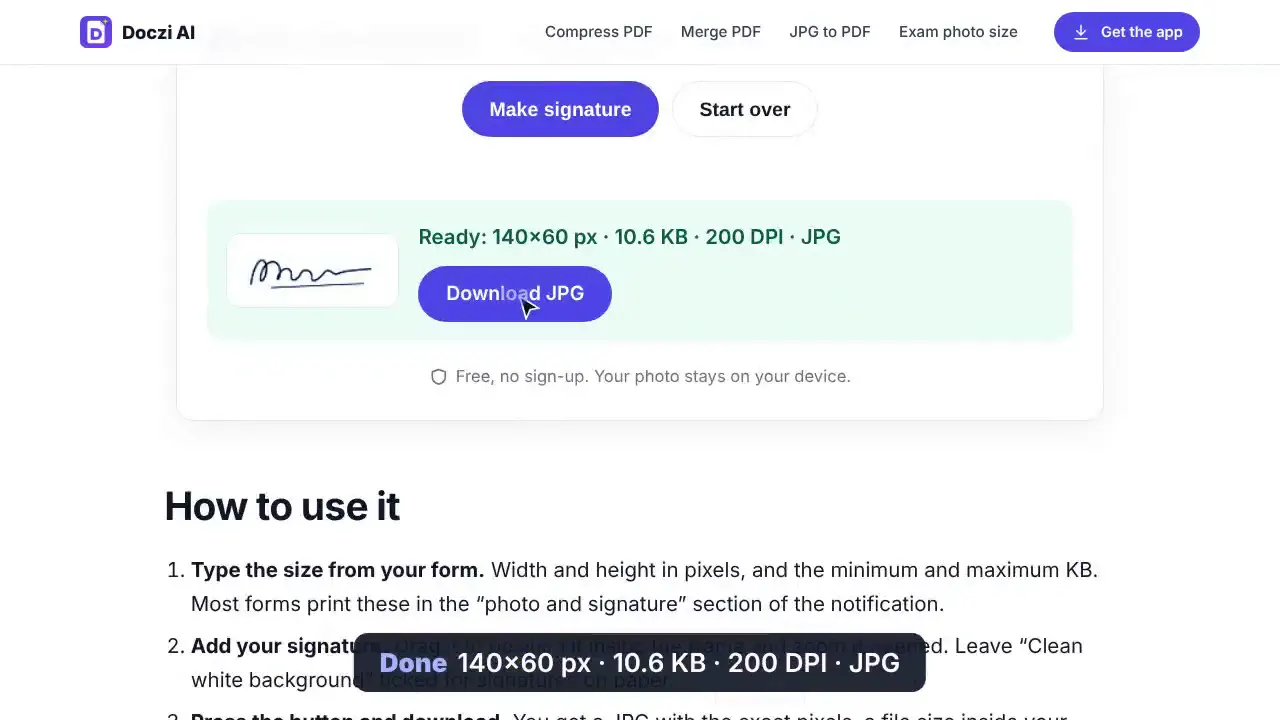 How to resize a signature to 10–20 KB with a white background (free)
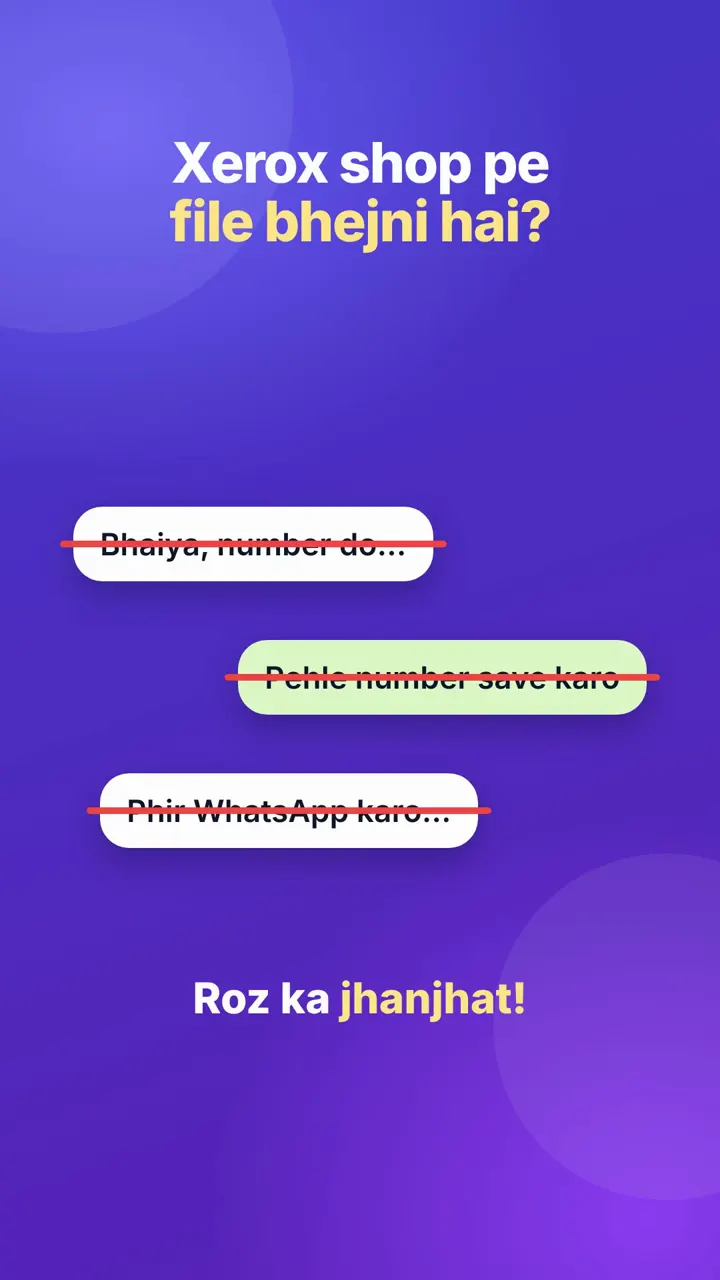 Doczi Drop: send files to a xerox shop by scanning a QR (no WhatsApp)
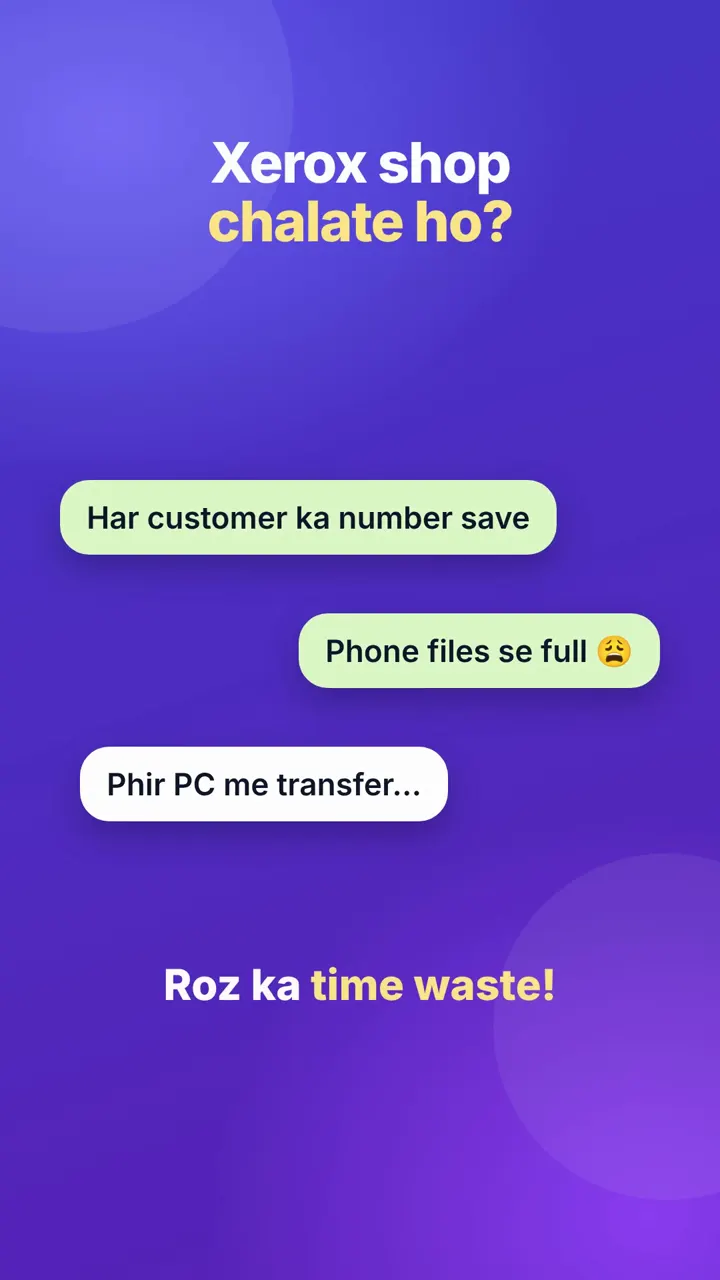 For xerox shop owners: receive customer files on your PC with a QR code