Free, no sign-up. Files are processed on your device and never uploaded.
How to convert JPG to PDF
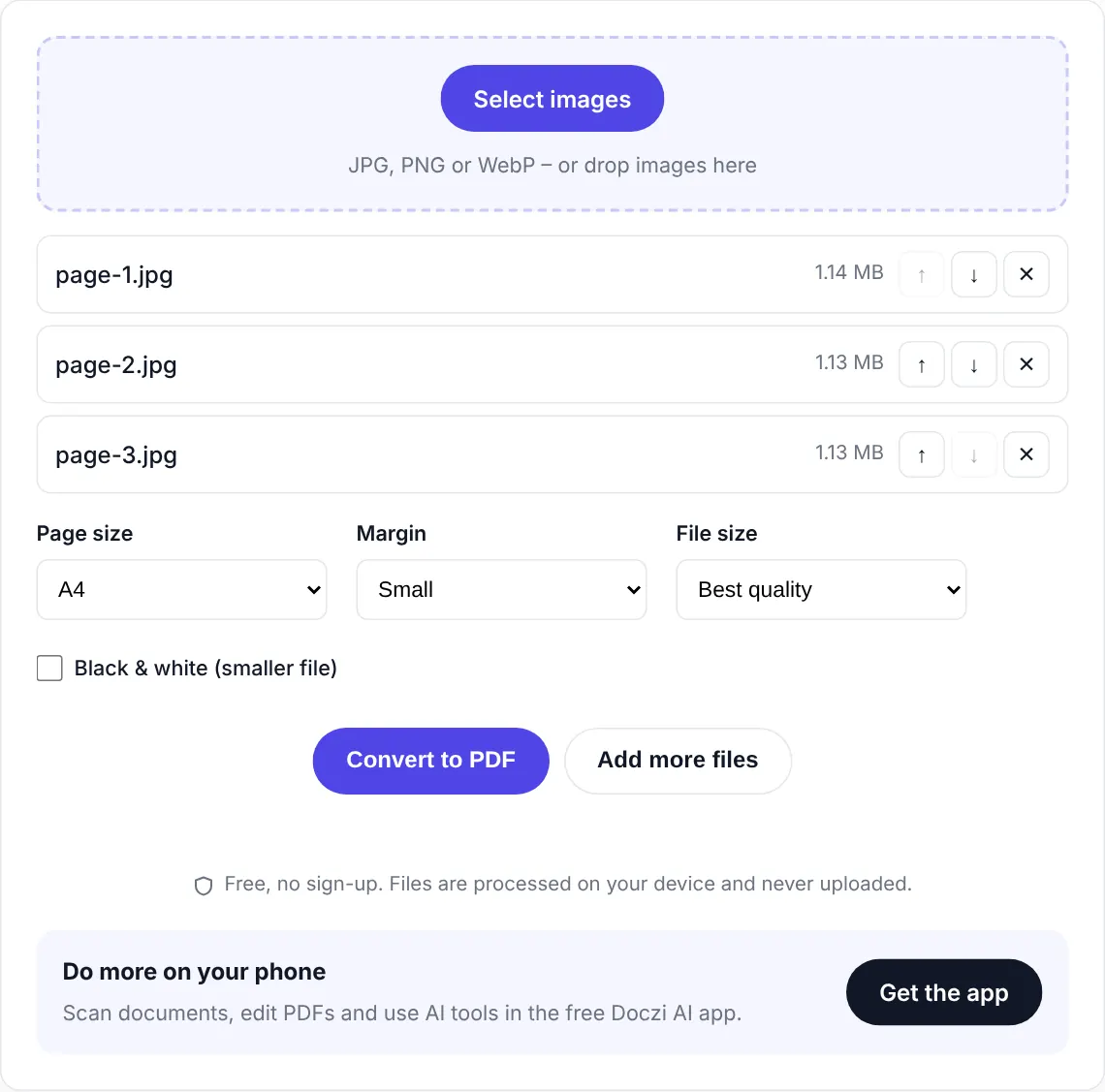
- Choose your photos. Tap “Select images”. JPG, JPEG, PNG and WebP all work, and you can pick many at once.
- Arrange them and pick a page size. Move photos up or down with the arrows. A4 suits most forms in India. Pick “Same as image” if you don’t want white borders.
- Convert. Press “Convert to PDF” and download the file. Each photo becomes one page.
Many photos, one PDF
This is the most common reason people land here. You photographed four pages of a document on your phone and the website only accepts a single PDF. Add all four photos, check the order, convert. Landscape photos get a landscape page automatically, so nothing gets squashed or cut off.
Need the PDF under 100 KB or 200 KB?
Phone photos are big, often 3 to 5 MB each. If the form has a size limit, set “File size” to “Keep under a size” and type the limit. The converter tries the best quality first and then steps down until the PDF fits. We have a ready page for the most common case: JPG to PDF under 100 KB.
Turning on “Black & white” makes the file much smaller, which helps for printed documents but not for coloured photos.
Small things we handle for you
- Phone photos that look sideways in some apps are turned the right way up.
- Transparent PNGs get a white background so they print properly.
- Very large images are scaled to a sensible size, so the PDF doesn’t become 40 MB.
- No watermark, no account, and the photos never leave your device.
Common uses
People use this for ID proofs on portals that only take PDF, handwritten assignments a teacher wants by email, screenshots of payment receipts, and signed pages that have to go back to an office. Once you have the PDF, you can join it with other documents using Merge PDF or make it smaller with Compress PDF.
Photos vs a proper scan
A quick photo usually catches the table edge, a shadow and a slightly tilted page. It’s readable, just not neat. The free Doczi AI app has a document scanner that turns paper into clean PDF pages right from your camera, which looks a lot more professional when you’re sending it to an employer or a bank.
Frequently asked questions
How do I put multiple JPGs in one PDF?
Select all the photos together, or add them in batches with "Add more files". Put them in order with the arrows and press "Convert to PDF". Each photo becomes one page of the same file.
Can I convert PNG or WebP to PDF?
Yes. JPG, JPEG, PNG and WebP all work. Transparent parts of a PNG are filled with white.
How can I make the PDF smaller than 100 KB?
Choose "Keep under a size" in the File size option and enter 100. For document photos, also tick "Black & white". Fewer pages also help, since every page adds to the size.
Is there a watermark?
No. The PDF has no watermark and no Doczi branding on the pages.
Is it safe to convert my Aadhaar or PAN card photo here?
Yes. The conversion happens inside your browser, so the photos are never uploaded. They stay on your phone or computer the whole time.