
Free, no sign-up. Your photo stays on your device.
How to use it
- Type the size from your form. Width and height in pixels, and the minimum and maximum KB. Most forms print these in the “photo and signature” section of the notification.
- Add your photo. Drag it to position it inside the frame and zoom if needed.
- Press the button and download. You get a JPG with the exact pixels, a file size inside your range, and 200 DPI set in the file.
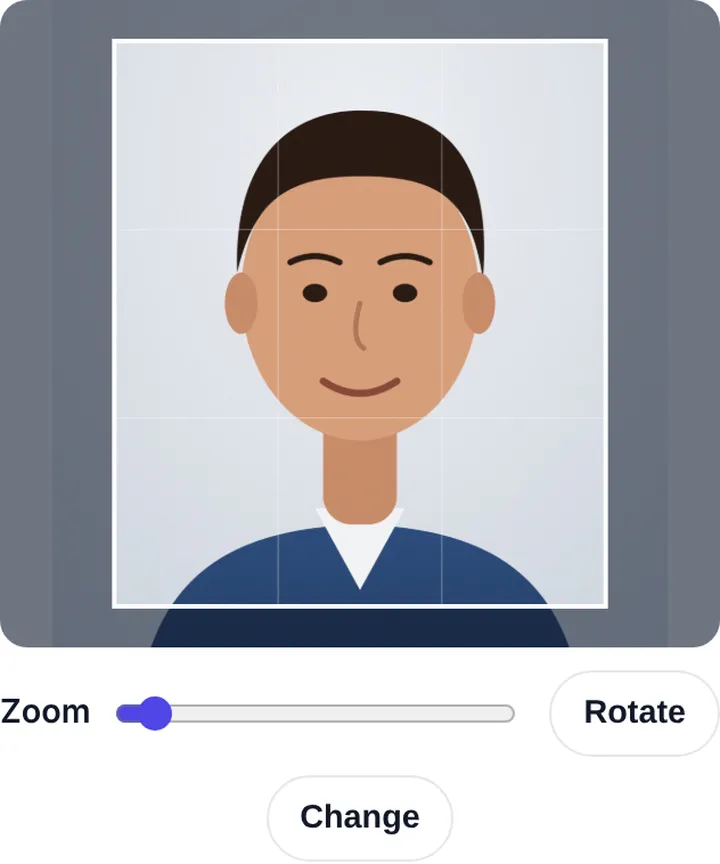
Tips for a photo that gets accepted
Use a plain white or light background, face the camera straight, and keep both ears visible. Avoid caps, dark glasses and heavy filters. If the form asks for your name and date on the photo, type them in the boxes and the tool prints them below the photo.
Exam presets
Don’t know the size? Most exams are listed on our exam photo and signature size page, with the resizer already set up for SSC, IBPS, NEET, Police Bharti and more.
Frequently asked questions
How do I make an image exactly 20 KB?
Type the minimum and maximum KB in the size boxes, for example 15 and 20. The tool picks the best quality that fits, and if the image is too small it pads the file up to the minimum.
Will the image look blurry?
At normal form sizes like 200 × 230 px, a 20 KB JPG looks sharp. Blur only shows when you squeeze a very large image into a very small file.
Is my photo uploaded?
No. The resizing runs in your browser and the photo never leaves your device.