Free, no sign-up. Files are processed on your device and never uploaded.
A 50 KB limit usually means the portal expects one page: a caste or income certificate, a domicile certificate, an ID proof, or a fee receipt. That’s very doable. Most single-page scans land comfortably under 50 KB with the text still crisp.
Steps
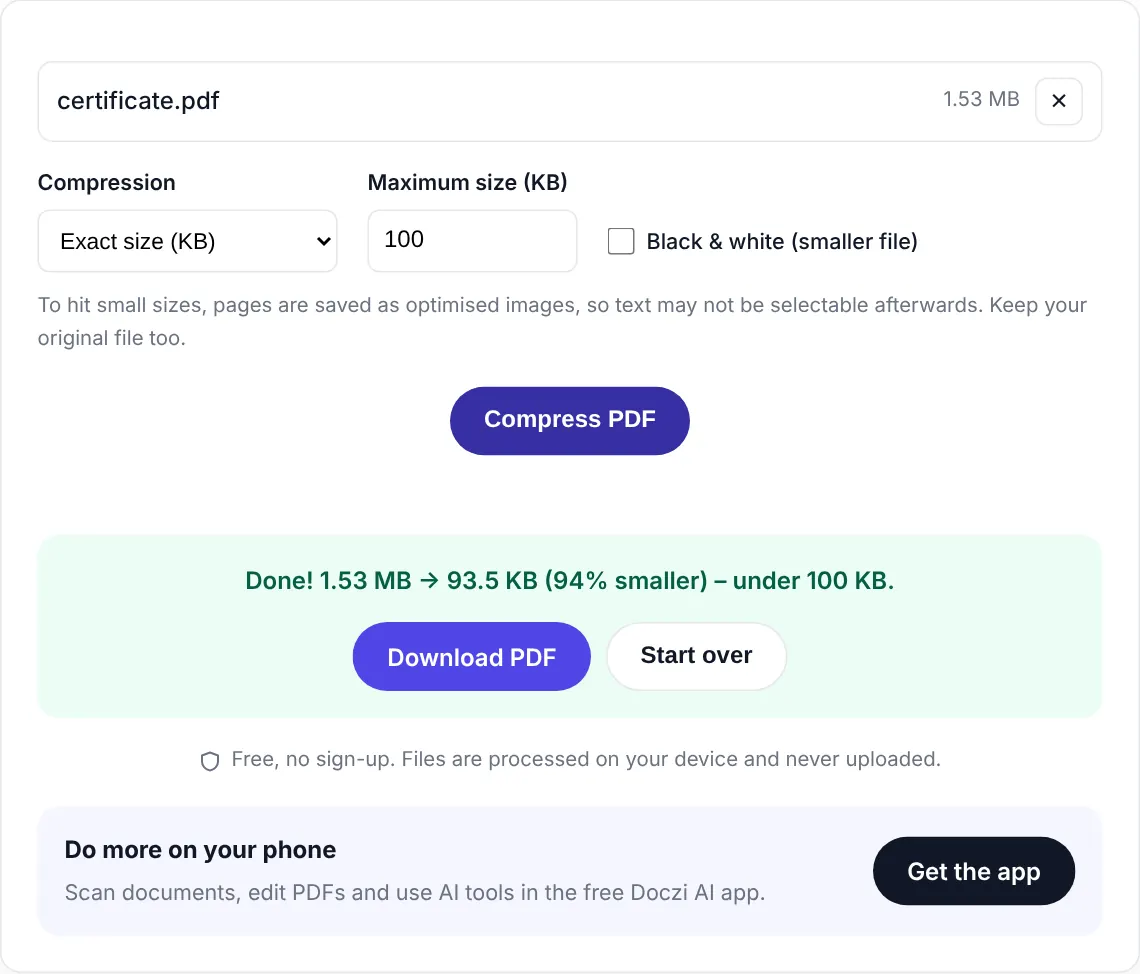
- Select the PDF. The limit on this page is set to 50 KB already.
- If the document is printed in black ink, tick Black & white. You’ll get a sharper result for the same size.
- Press “Compress PDF” and download.
What 50 KB looks like
For a single A4 page, 50 KB gives roughly the quality of a decent fax or a clear photocopy. Stamps and signatures are visible, and small print is readable when you zoom in. If the certificate has a coloured seal or logo that the office insists on seeing in colour, leave Black & white off; it’ll still fit for a single page in most cases.
Two pages in 50 KB works in black and white. More than that, consider whether the form wants all of them.
Before you blame the tool
Check your scan. A page photographed at night with a dim bulb has grain all over it, and grain compresses terribly. Rescanning in daylight often halves the size on its own. And cut out the background: if the paper only fills half the photo, half your 50 KB is going on the table.
Different limit on your form? Jump to 20 KB, 100 KB or 200 KB. Starting from a photo, not a PDF? Use JPG to PDF under 100 KB and change the limit to 50.
Private and free
The PDF is compressed inside your browser and never uploaded. There is no sign-up, no watermark and no limit on how many files you do. If you handle documents often, the free Doczi AI app adds a scanner, a PDF editor and AI summaries on your phone.
Frequently asked questions
Will a certificate be readable at 50 KB?
Yes, for a single page. Text, stamps and signatures stay clear. It looks like a good photocopy rather than a high-resolution scan.
How many pages can fit in 50 KB?
One page fits easily, two pages work in black and white. Beyond that the text starts to blur, so upload only the pages the form needs.
Does it work on mobile?
Yes. It runs in Chrome, Safari and other mobile browsers. Nothing is uploaded, so it works even on slow internet once the page has loaded.