Free, no sign-up. Files are processed on your device and never uploaded.
1 MB is the limit for a lot of upload forms, and it’s also just a nice size for sending a document on WhatsApp or email without eating anyone’s data. Big scans, photo-heavy reports and brochures are the usual suspects here.
How to get a PDF under 1 MB
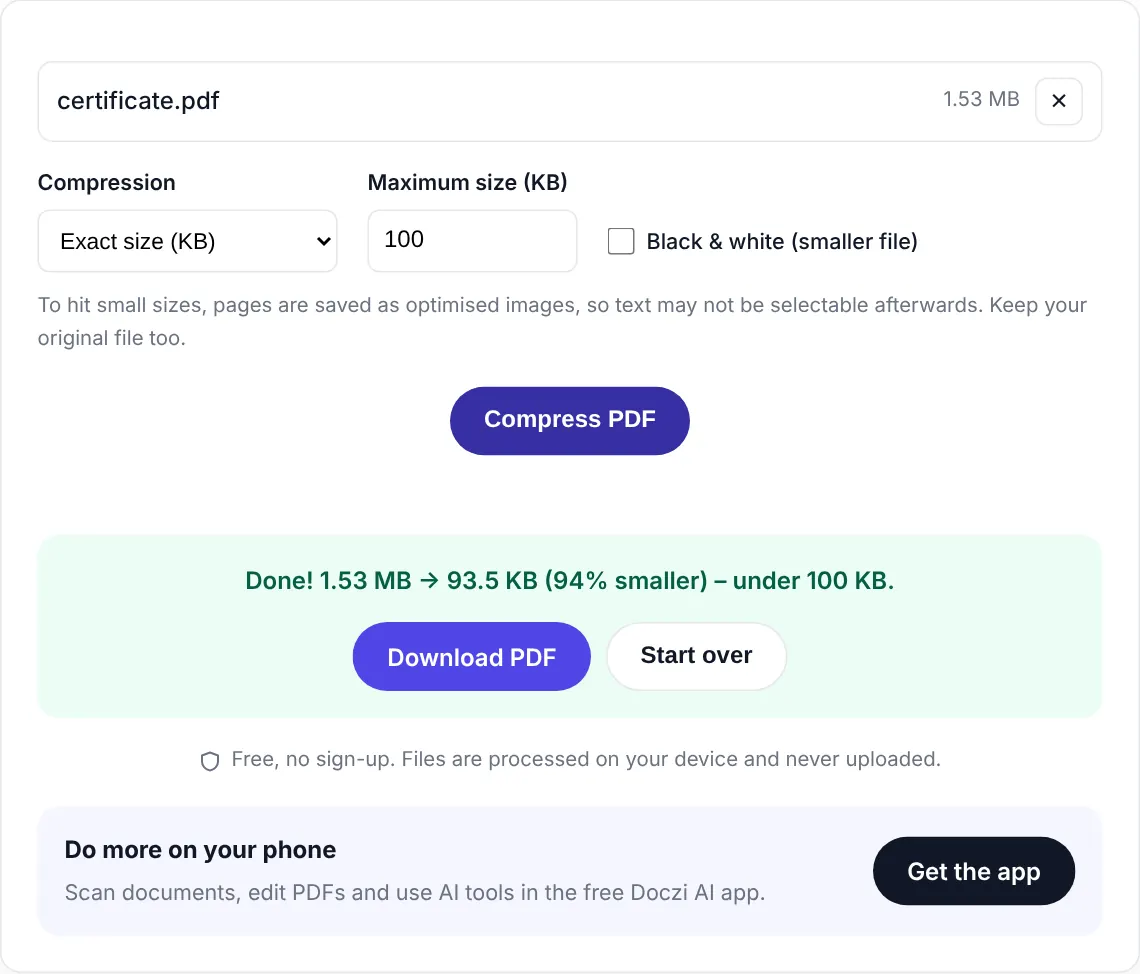
- Select your PDF. The target here is 1 MB (1000 KB).
- Press “Compress PDF”. Larger files take a bit longer because every page is processed on your device.
- Download the result.
Large files on a phone
Because the work happens on your device rather than on a server, a 50 MB PDF with 100 pages will take a while on an older phone, maybe a couple of minutes. Keep the screen on and the tab open. On a laptop the same file is much faster. The upside is that you don’t have to upload 50 MB on mobile data first.
What 1 MB gets you
For most documents, 1 MB is enough to keep pages looking basically like the original. Our 10.6 MB seven-page scan came out at 946 KB, basically identical to the original, so even 25 to 30 scanned pages fit at good quality. If your file is a typed document with a few images, the lossless pass alone often gets it under 1 MB with text still selectable.
Need smaller? Try 500 KB or 200 KB. Joining several files into one? Start with Merge PDF.
Private and free
The PDF is compressed inside your browser and never uploaded. There is no sign-up, no watermark and no limit on how many files you do. If you handle documents often, the free Doczi AI app adds a scanner, a PDF editor and AI summaries on your phone.
Frequently asked questions
How do I reduce a 10 MB PDF to under 1 MB?
Select it on this page and press Compress PDF. Scanned and image-heavy PDFs shrink a lot, so 10 MB to under 1 MB is normal.
Why is it slow for big files?
All processing happens on your own device, which keeps your file private. Big files with many pages take longer on phones. A computer is faster.
Is 1 MB counted as 1000 KB or 1024 KB?
Websites differ. We aim slightly under 1000 KB so the file passes either way.