Free, no sign-up. Files are processed on your device and never uploaded.
100 KB is the limit people search for more than any other, and it’s easy to see why. Exam registrations, job applications, scholarship forms and college admissions all love it. The good news is that 100 KB is generous for one to three pages, so you don’t have to accept a blurry result.
How to compress a PDF to 100 KB
- Select your PDF. This page already has the target set to 100 KB.
- Optional: tick Black & white for printed documents. It gives sharper text at the same size.
- Press “Compress PDF”. The tool tries a few quality levels and keeps the best one that fits. Then download it.
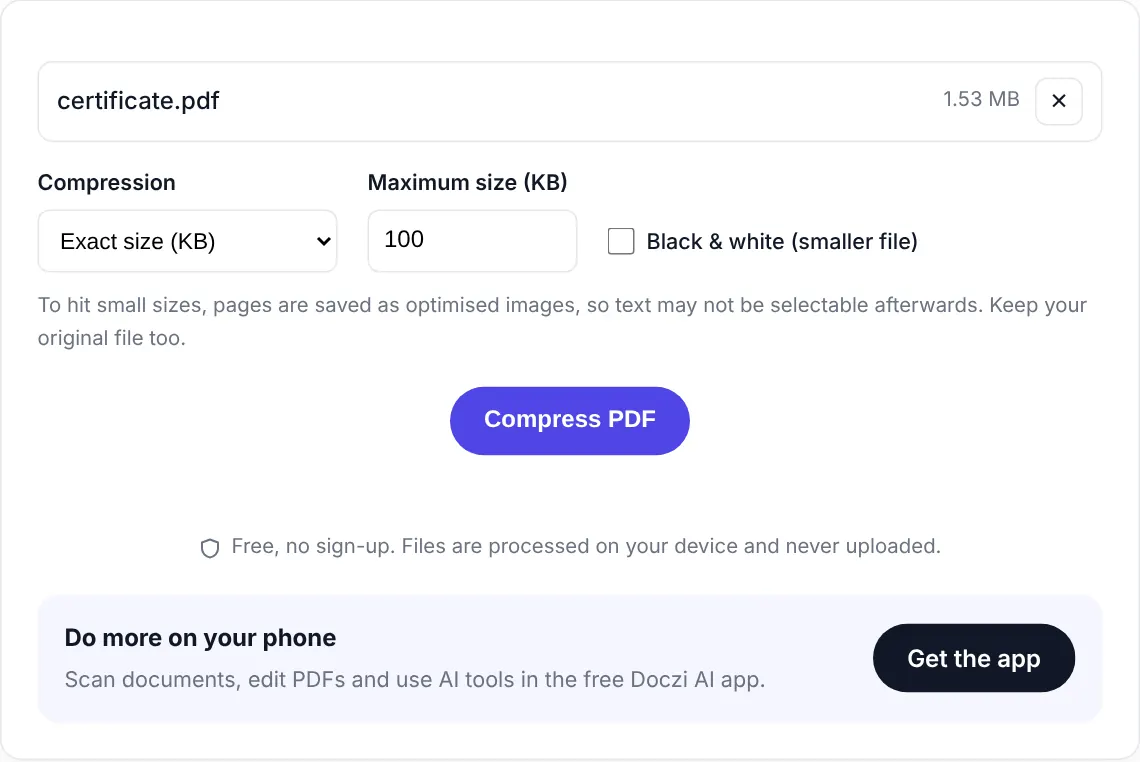
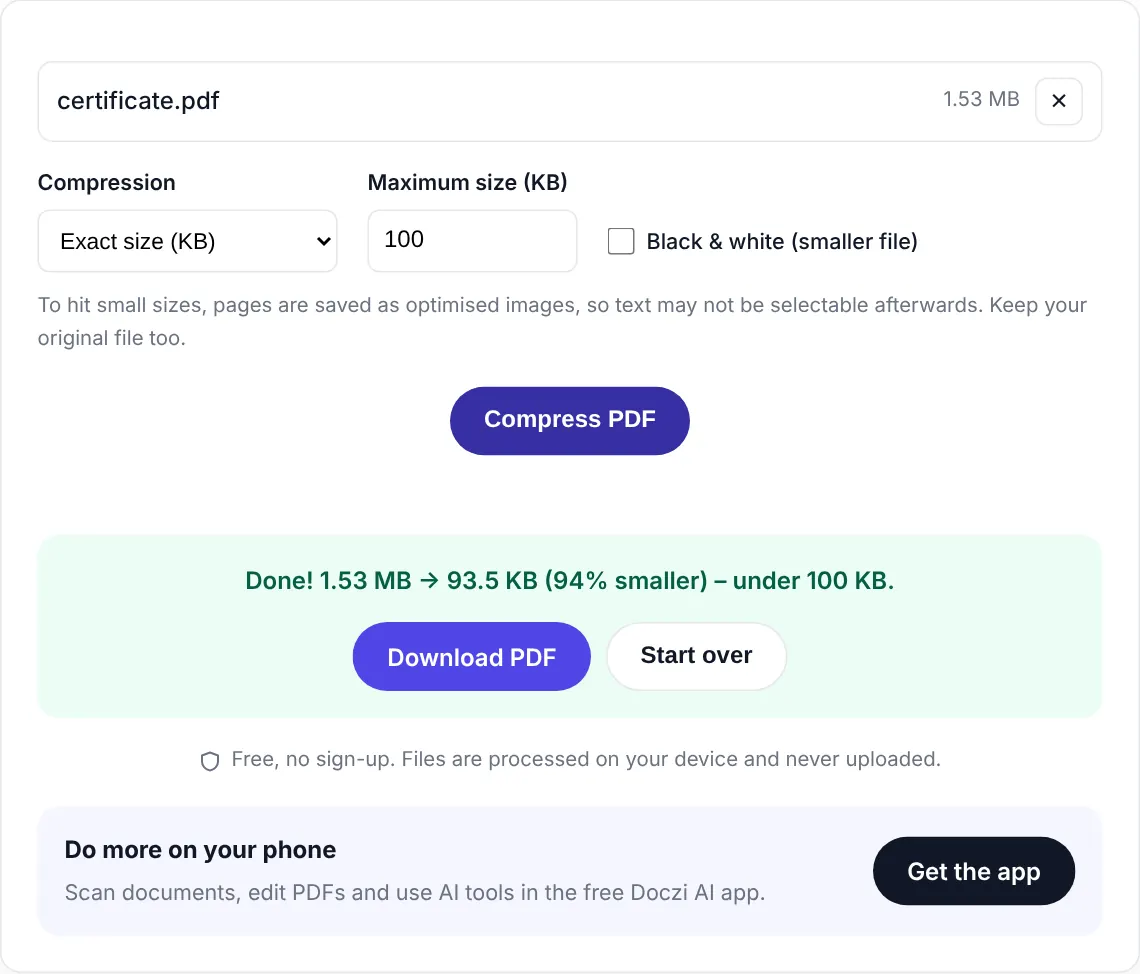
Watch it done
Why not just pick “Strong”?
You could, but it’s guesswork. Strong compression might give you 40 KB when the form allows 100, so you’ve thrown away quality for nothing. Or the file might come out at 130 KB and get rejected. Exact-size mode aims at the number you need, which is the whole point.
Real numbers from our tests
A one-page scanned certificate, 1.5 MB from a phone camera, came out at 94 KB in colour with the text still easy to read. A three-page marksheet bundle (4.5 MB) also fit under 100 KB in colour and stayed readable. A seven-page scan reached 100 KB too, but the small print was getting soft, so for documents that long we’d ask whether the form really wants all of it, or use 200 KB if it’s allowed.
Things to check before uploading
- Open the compressed PDF once and zoom in on your name and roll number. If those are clear, you’re fine.
- Some websites count 1 KB as 1000 bytes, others as 1024. We aim a little under so it passes both.
- The form wants one PDF but you have several? Merge them first, then compress the merged file here.
Private and free
The PDF is compressed inside your browser and never uploaded. There is no sign-up, no watermark and no limit on how many files you do. If you handle documents often, the free Doczi AI app adds a scanner, a PDF editor and AI summaries on your phone.
Frequently asked questions
How do I compress a PDF to 100 KB without losing quality?
Use the exact-size mode on this page instead of a fixed level. It finds the highest quality that still fits under 100 KB, so you do not lose more quality than you have to. For printed documents, Black & white keeps text sharper at the same size.
Can I compress a PDF to 100 KB on my phone?
Yes. Open this page in Chrome or Safari, select the PDF from your phone storage, and download the result. Nothing is uploaded.
My PDF is 5 MB. Can it reach 100 KB?
Usually yes, if it is one to three pages. Large files are mostly big images, and those shrink a lot. Long documents may need Black & white or fewer pages.
Will the text still be selectable?
If your PDF only needs light trimming, we keep the original text. For bigger reductions the pages are saved as images, so text cannot be copied afterwards. It still looks the same.
Is this tool really free?
Yes. No sign-up, no limit on how many files, and no watermark.