Free, no sign-up. Files are processed on your device and never uploaded.
200 KB is a comfortable limit. It’s common for marksheets, degree certificates, experience letters and multi-page application documents. You can usually keep colour, and the text stays sharp enough that nobody at the other end will ask you to resend.
Compress to 200 KB
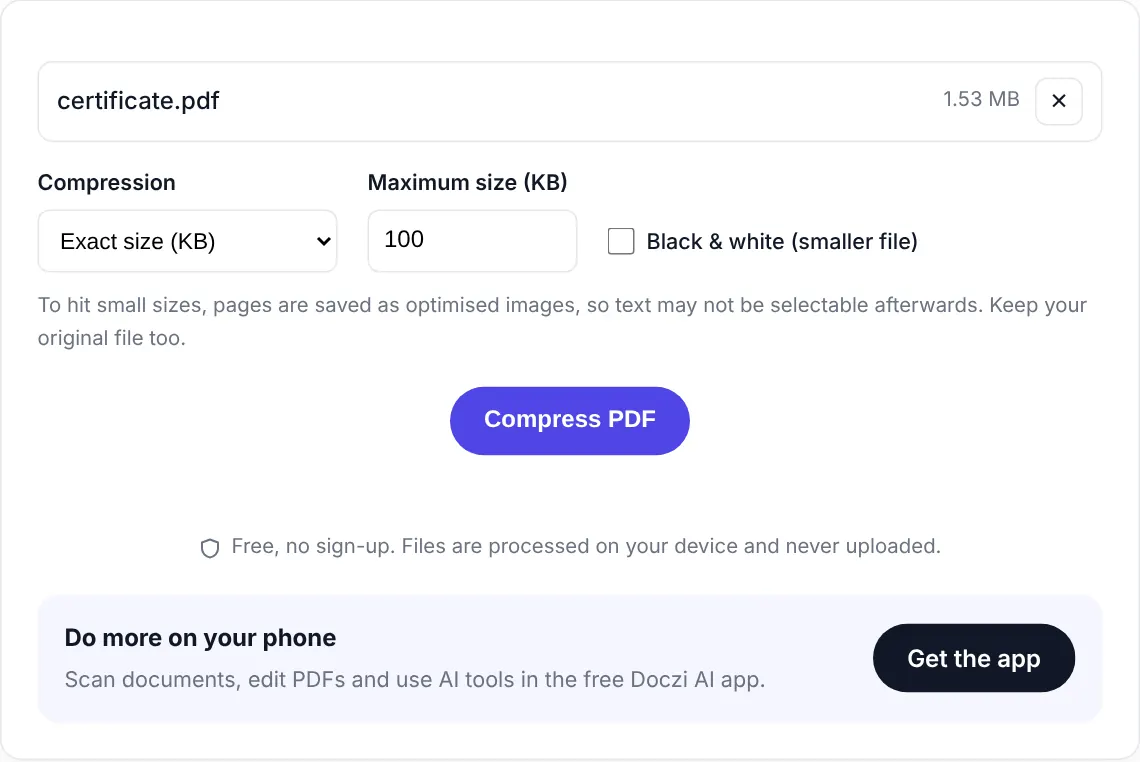
- Select the PDF. The target is 200 KB on this page.
- Leave Black & white off unless you have more than five or six pages.
- Press “Compress PDF” and download.
How many pages fit in 200 KB?
More than you’d think. In our test, a seven-page scanned report (10.6 MB) came out at 181 KB in colour and every page was still easy to read. Past ten pages or so, each page gets less than 20 KB and small print starts to suffer. Turn on Black & white for long documents, or check whether the form lets you upload documents separately.
Text that stays selectable
If your file is already close to 200 KB, say 260 KB, the tool first tries a lossless clean-up. That removes junk data without touching the pages, so text stays selectable and searchable. Only if that isn’t enough does it switch to image compression.
Other limits
Forms rarely agree on a single number. You might need 100 KB for one document and 300 KB for another. Bookmark Compress PDF, where you can type any size.
Private and free
The PDF is compressed inside your browser and never uploaded. There is no sign-up, no watermark and no limit on how many files you do. If you handle documents often, the free Doczi AI app adds a scanner, a PDF editor and AI summaries on your phone.
Frequently asked questions
How do I reduce a PDF to under 200 KB?
Select your PDF on this page, keep the target at 200 KB and press Compress PDF. The tool finds the best quality that fits and shows you the final size before you download.
How many pages can fit in 200 KB?
In our tests a seven-page scan fit in colour and stayed readable. For ten or more pages, turn on Black & white. It depends on how detailed the pages are.
Do I need to install anything?
No. It works in your browser on Android, iPhone, Windows and Mac.