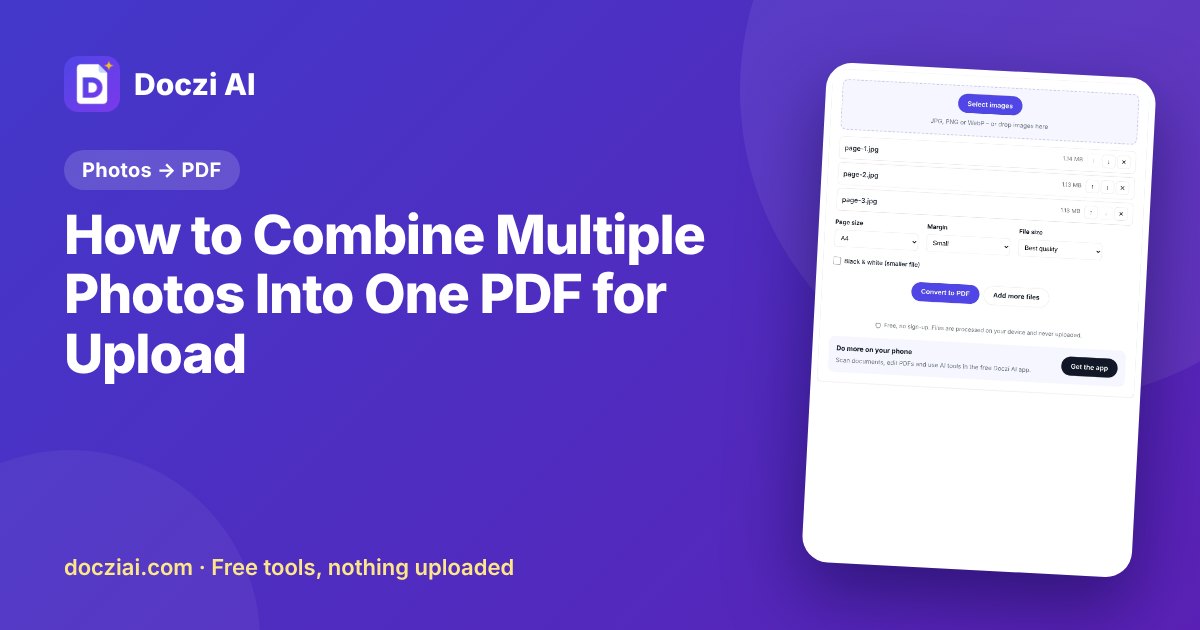
To combine multiple photos into one PDF, open JPG to PDF, select all the photos together, arrange them in page order with the up and down arrows, choose A4, and download. You get a single PDF with one photo per page. If the form has a size limit, use JPG to PDF under 100 KB instead, or compress the result with Compress PDF.
In this guide
When you need this
- A form has one upload box for a multi-page document, like a three-page caste certificate or a bank passbook’s first two pages.
- You photographed your Aadhaar front and back and the form wants one file.
- A college asks for “all semester marksheets in a single PDF”.
- A print shop wants one file instead of ten photos.
Step by step
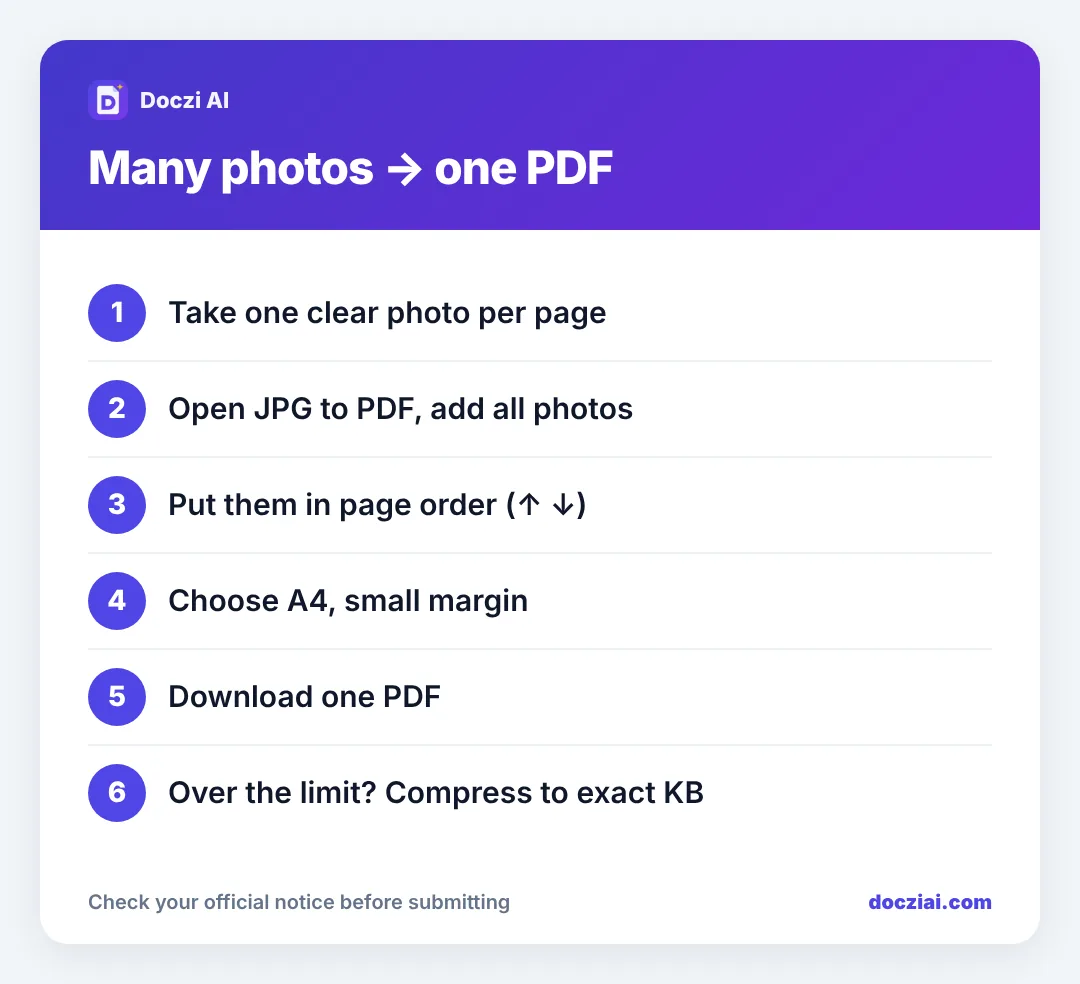
- Take one photo per page. Flat page, daylight, phone held parallel. Our guide on scanning with your phone has the details.
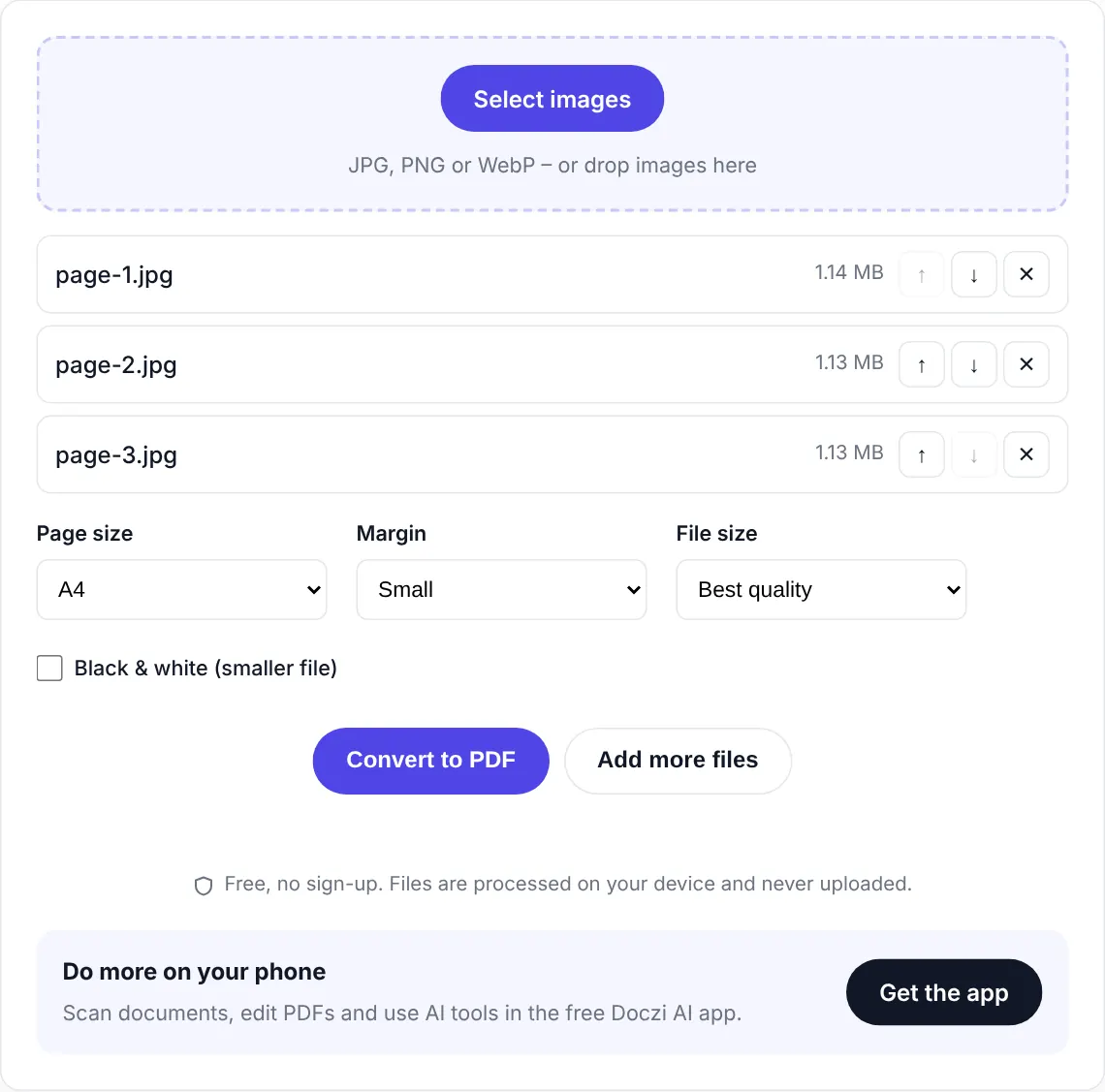
- Open JPG to PDF and tap to select files. Pick all the photos at once; you can add more later.
- Check the order. Your gallery may sort by time, which isn’t always page order. Use ↑ and ↓ next to each file.
- Choose page size. A4 is right for most forms and for printing. “Same as image” keeps each photo’s own shape.
- Choose a margin. A small margin looks tidy; “No margin” uses the full page.
- Press the button and download. Open the PDF to check every page.
Getting it under the size limit
Five phone photos can make a 15 MB PDF. Forms often want 100–500 KB. Two ways:
- Use JPG to PDF under 100 KB, which compresses while converting.
- Or make the PDF first and then use compress PDF to 200 KB (or whatever your limit is) with an exact target.
If text becomes hard to read at the limit, crop the photos to just the page before converting. The table around the page wastes KB.
Already have PDFs, not photos?
If some pages are PDFs and some are photos, convert the photos to a PDF first, then join everything with Merge PDF. For an admission set, read one PDF for all your marksheets.
Is it private?
Yes. The conversion runs in your browser. Your photos aren’t uploaded to our server, which matters for Aadhaar, bank statements and certificates.
Common problems and quick fixes
| Problem | Fix |
|---|---|
| Pages in the wrong order | Use the ↑ ↓ arrows before making the PDF |
| A page is sideways | Rotate the photo in your gallery first, then add it again |
| Big white borders around photos | Crop the photos to the page edges, or choose “No margin” |
| PDF is several MB | Use the under-100 KB tool or compress afterwards |
| Text unreadable after shrinking | Retake photos in daylight; fewer pages per file |
One more tip: give the final PDF a clear name before uploading, like caste-certificate.pdf. Forms with five upload boxes are easy to mix up when everything is called doczi-images.pdf.
FAQs
How many photos can I put in one PDF?
As many as your phone can handle in memory; 20–30 photos is fine on most phones. For upload limits, fewer pages means a smaller file.
Can I put two photos on one page?
The tool puts one photo per page. For ID cards front and back on one page, place both in one image first, or upload a two-page PDF if allowed.
Does it work with PNG screenshots?
Yes, JPG, PNG and WebP images are accepted.
Can I do this on an iPhone?
Yes, in Safari. Select photos from your Photos library when the file picker opens.