DigiLocker documents vs scanned copies: documents issued into your DigiLocker by the authority itself (CBSE marksheets, driving licence, Aadhaar and many state certificates) are legally treated as equal to the originals. For online forms that accept them, a DigiLocker PDF is the better choice: it’s small, sharp and comes straight from the issuer. You still need a scanned copy for documents that aren’t in DigiLocker, or when a form only accepts uploads in its own format and size.
In this guide
What makes DigiLocker documents valid
DigiLocker is run by the Government of India under the Ministry of Electronics and IT. Under the Information Technology rules for digital lockers, documents in the “Issued Documents” section, which the issuing body pushes to your account, are treated at par with physical originals. That’s why many universities, the transport department and some recruitment boards accept them for verification. You can read about it on digilocker.gov.in.
Note the difference: documents you upload yourself into DigiLocker’s “Uploaded Documents” are just stored copies. They don’t carry that status.
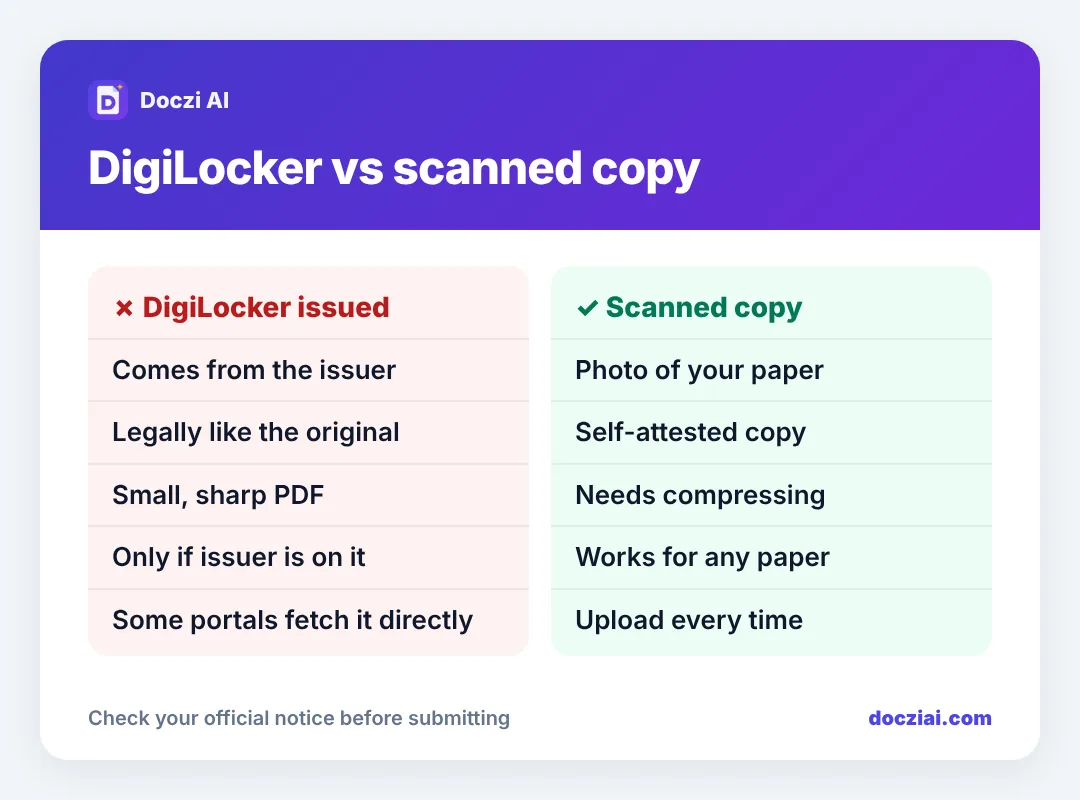
When to use the DigiLocker copy
- The form has a “Fetch from DigiLocker” button. Use it; there’s nothing to upload.
- The form wants a PDF of your marksheet and your board is on DigiLocker (CBSE and many state boards are).
- Document verification, where you can show the DigiLocker app instead of carrying paper.
Download the PDF from the app (open the document › download). It’s already a clean digital PDF, often under 200 KB.
When you still need a scan
- The certificate isn’t available in DigiLocker (many older certificates, private university degrees, experience letters).
- The form asks for a self-attested copy, which means a scan with your signature on it.
- The portal wants a JPG of a specific size, not a PDF.
For those, see scanning documents with your phone.
Fitting DigiLocker PDFs into size limits
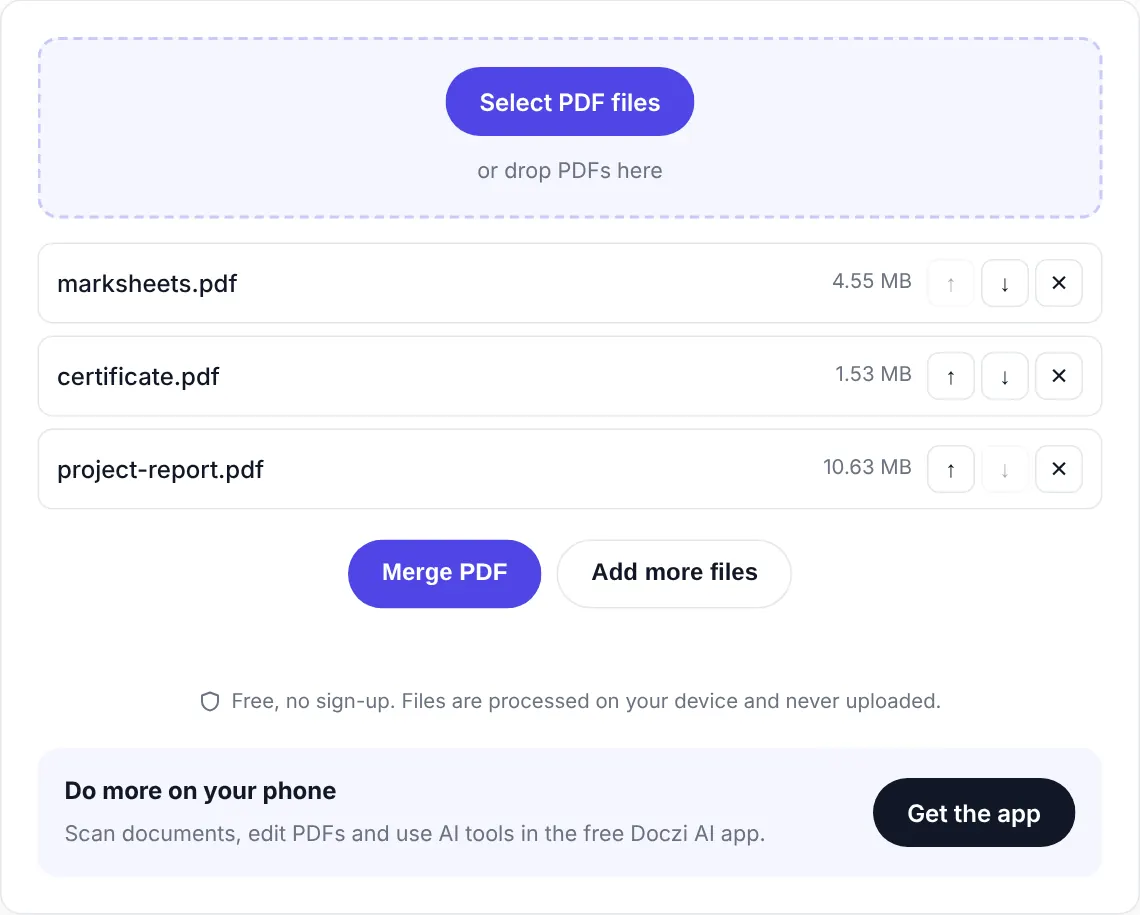
Most issued documents are small already. If one is over a limit (some include a high-resolution photo or background design), compress it with Compress PDF to the exact KB. For a set of marksheets in one file, use Merge PDF first.
Screenshots: don’t
A screenshot of the DigiLocker app cuts off part of the document and looks informal. Download the PDF instead.
Keep your account safe
Sign in only through the official app or digilocker.gov.in. Don’t share the OTP or your security PIN with a cyber café or agent. If someone is filling a form for you, let them use the downloaded PDF rather than your login.
Want a system for all your documents? See keeping documents ready for every form.
What’s typically available in DigiLocker
- Aadhaar (through UIDAI)
- Driving licence and vehicle registration (through the transport department)
- CBSE and many state board marksheets and passing certificates
- Some university degrees, through the National Academic Depository
- Certificates issued by several state e-district portals: caste, income, domicile in some states
Availability depends on whether your issuing body has joined, and on the year. Search inside the app’s “Search documents” section. If yours is there, pull it into your account once; next time you need it, it’s a download away.
FAQs
Is a DigiLocker marksheet accepted for college admission?
Many colleges accept it, and several admission portals fetch it directly. Check the admission notice.
Can I print a DigiLocker document and use it as a copy?
Yes, a printout of the issued PDF is commonly used as a document copy.
Why isn’t my marksheet in DigiLocker?
Only boards and universities that have joined DigiLocker push documents, and older years may not be available. Use a scan for those.
Is DigiLocker free?
Yes, for citizens.