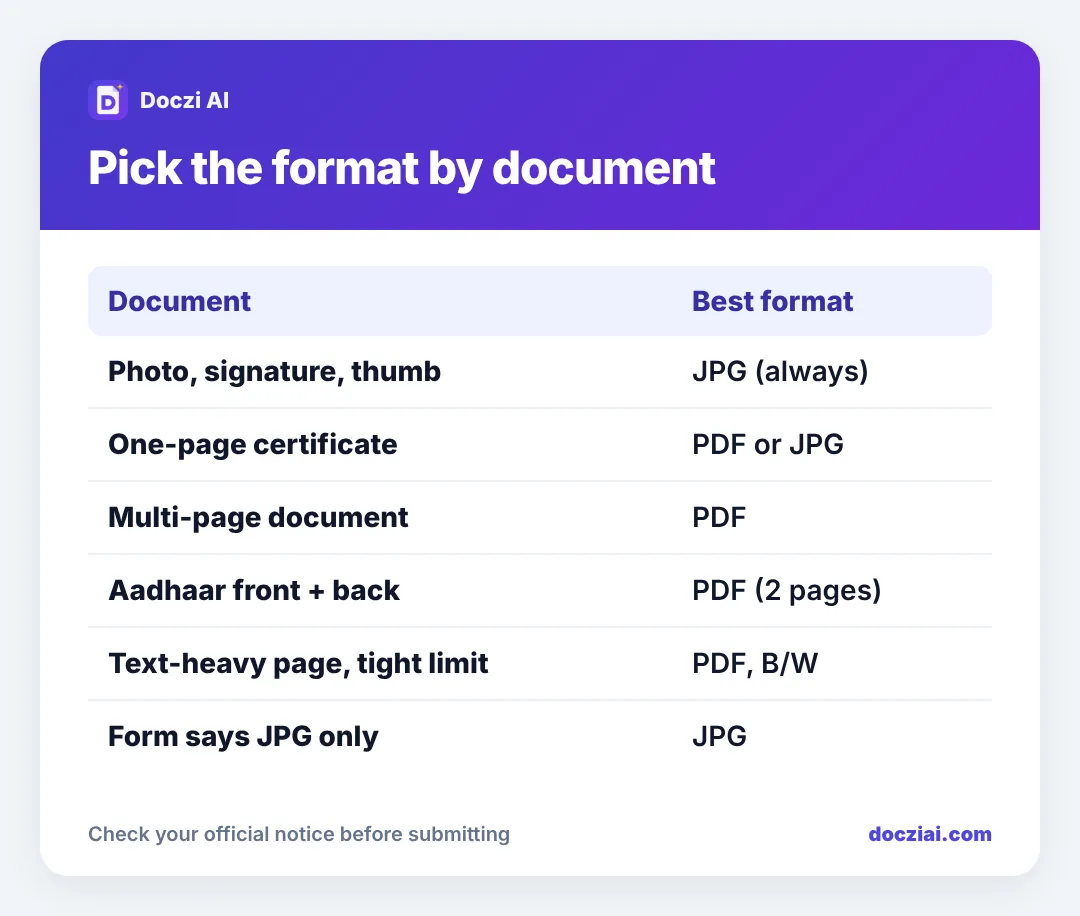
PDF or JPG? If a form accepts both for a document, use PDF for anything with more than one page and JPG or PDF for a single page. Photos, signatures and thumb impressions are always JPG. When the size limit is tight, a black and white PDF of a text page is usually smaller and sharper than a JPG of the same page.
In this guide
The simple rule
| Upload | Use | Why |
|---|---|---|
| Photo, signature, thumb, declaration | JPG | That’s what forms check for |
| Single-page certificate | Either | Same content, pick whichever fits the KB |
| Multi-page document | A JPG holds only one page | |
| Two-sided ID card | Both sides in one file | |
| Form says one format only | That format | The checker rejects anything else |
Why PDF wins for documents
- Multiple pages in one file. A caste certificate with an annexure, a two-page income certificate, front and back of a card: one upload.
- Prints at the right size. A PDF page is A4. A JPG prints at whatever size the printer guesses.
- Standard for verification. Officers opening hundreds of documents are used to PDFs.
When JPG is the better choice
- The notice asks for JPG (Navodaya’s school certificate, for example, is uploaded as a photo).
- The portal’s PDF upload is broken or slow, and JPG is allowed.
- You have a single, simple page and the JPG is already under the limit.
Size: which is smaller?
For the same page, a JPG and a PDF containing that JPG are nearly the same size; the PDF adds only a tiny wrapper. What changes the size is how the image inside is compressed. Our Compress PDF tool can turn a colour scan into a sharp black and white one, which often halves the size for text pages.
Making either format
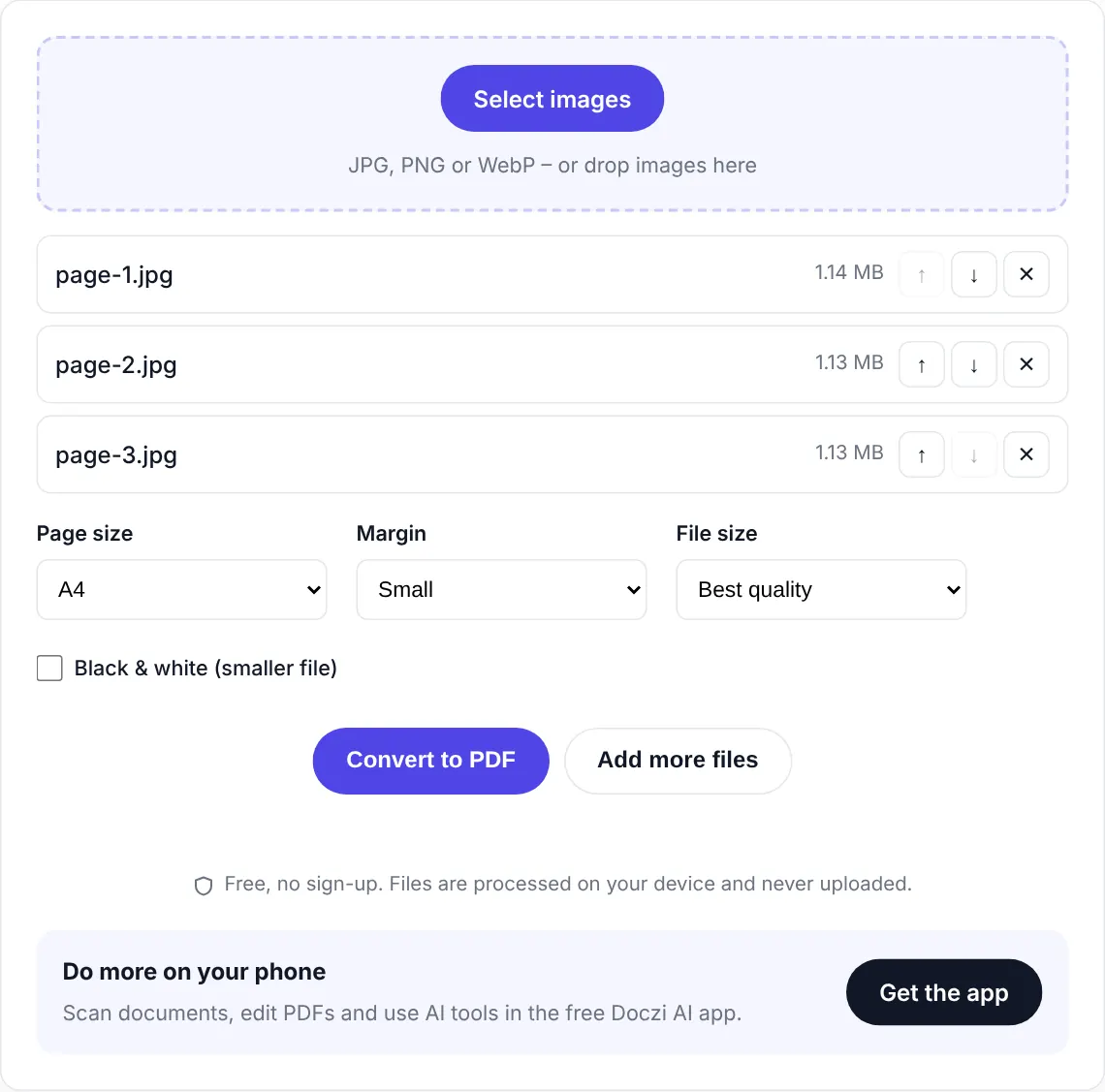
- Photos to PDF: JPG to PDF, or under 100 KB for tight limits.
- Shrink a PDF: Compress PDF with an exact KB.
- Shrink a JPG of a document: resize image to 100 KB or 200 KB.
- Join PDFs: Merge PDF.
For the general rules on image formats, see JPG vs JPEG vs PNG.
Check readability, not just size
Whatever format you pick, open the final file and zoom in. Certificate numbers, dates and seals must be readable; a document that’s accepted by the upload checker can still be rejected at verification if an officer can’t read it.
Examples from real forms
- Scholarship portals usually want PDF for every certificate, each under a limit like 150 or 250 KB.
- Navodaya admission wants the school certificate as a JPG photo, not a PDF. See Navodaya and KVS uploads.
- Passport applications accept supporting documents as PDF or JPEG, with a per-file limit.
- Job portals usually want the resume as PDF.
- Exam forms want photo and signature as JPG, and category or disability certificates as PDF.
When in doubt, the notice’s “how to apply” section lists the accepted formats for each upload box. Reading it once saves a rejected application.
FAQs
Can I upload a photo of a document in the “photo” field?
No. The photo field is for your face. Documents go in the document fields.
Should a PDF be scanned or can it be a phone photo?
A clear phone photo converted to PDF is fine for online forms.
Can I upload a screenshot of a DigiLocker document?
Better to download the PDF from DigiLocker. Screenshots cut off parts and look unofficial. See DigiLocker vs scanned copies.
Does PDF/A matter for Indian forms?
Almost never for upload portals. A normal PDF works.