The easiest way to get a white background photo for a form is to take the photo against a white wall or a white sheet, standing about half a metre away with daylight on your face. That gives an even, light background that passes on exam, job and most ID forms. Cutting yourself out and pasting a white background with an app is riskier than it looks, because rough edges and changed skin tones are a common reason photos get rejected at scrutiny.
In this guide
What “white background” means on a form
Exam and recruitment forms usually say “white or light background”. They’re checking that your face stands out, with no objects, patterns or other people behind you. A clean off-white wall is fine. Passport and visa photos are stricter and want plain white with no shadows.
The background doesn’t need to be pure digital white (every pixel 255). It needs to be plain, light and even.
How to get it right at home
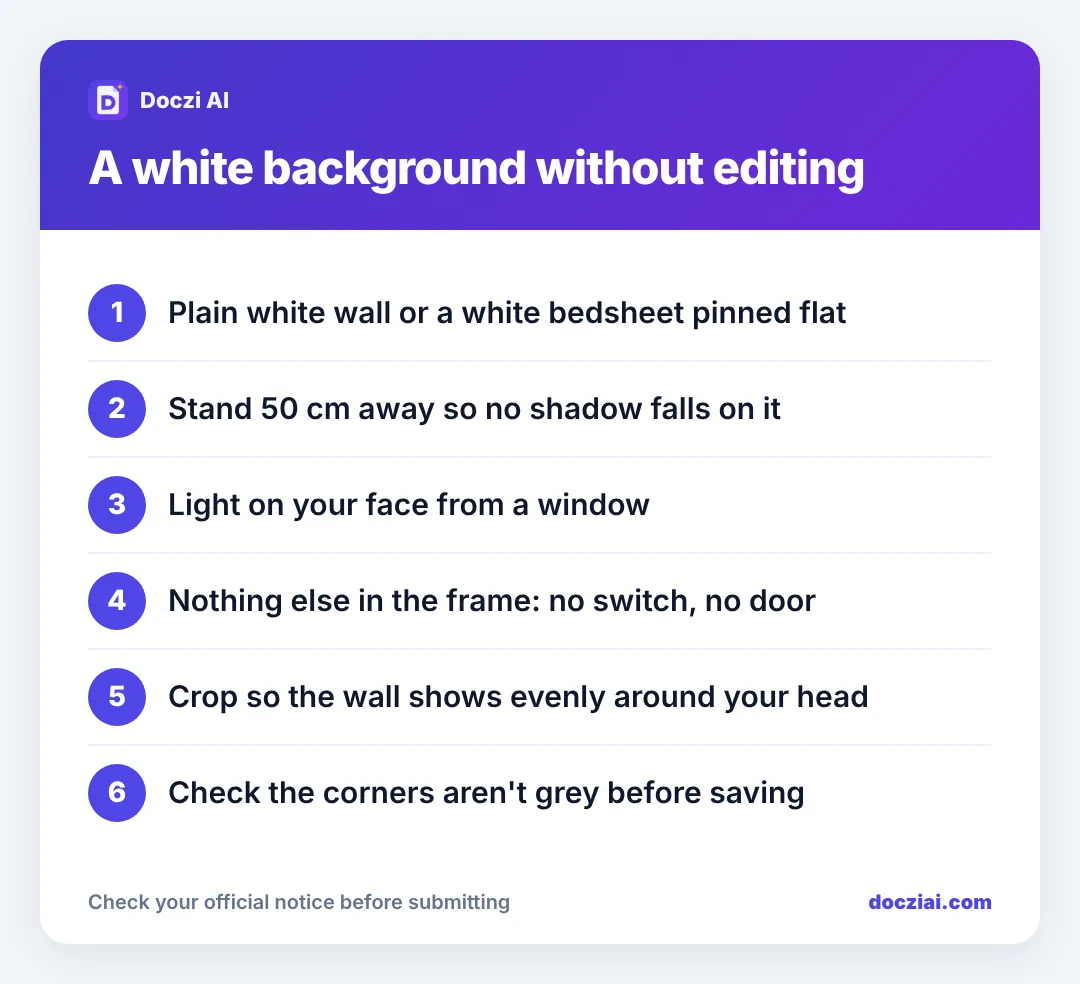
- Find the plainest light wall in your home. If none, pin a white bedsheet or two A3 sheets of chart paper flat against a wall. Pull out the wrinkles; creases show as grey lines.
- Stand about 50 cm in front of it. Against the wall, your head throws a shadow right behind you, which reads as a dark halo.
- Face a window. Light from the front lights your face and the wall evenly. A bulb overhead lights your hair and leaves the bottom half of the wall grey.
- Clear the frame. Switchboards, calendars, door edges and photo frames all count as “objects in the background”.
- Take it from about a metre away at eye level, then crop.
Our full guide on taking a passport size photo at home covers framing and clothes.
Why edited backgrounds get rejected
Background-removal apps cut around your hair and shoulders. At 200 × 230 pixels the cut edge looks like a sticker: a hard outline, missing strands of hair, sometimes a bit of ear taken off. Some apps also smooth skin and change colour. Passport offices and visa centres specifically reject digitally altered photos, and exam boards compare your photo with you on exam day. A real photo against a real white wall avoids all of that.
That’s also why our photo resizer doesn’t change the background of face photos. It crops, resizes and compresses, and leaves your photo as it was taken. (For signatures it does whiten the paper, because that’s just cleaning ink on paper.)
Already have a photo with a coloured wall?
- If the form says “light background”: a pale cream, light blue or light grey wall usually passes. Crop tightly so less of it shows.
- If the form says “white background” strictly: retake it. It takes five minutes and avoids a correction request later.
- Dark or patterned background: always retake.
Then size it for the form
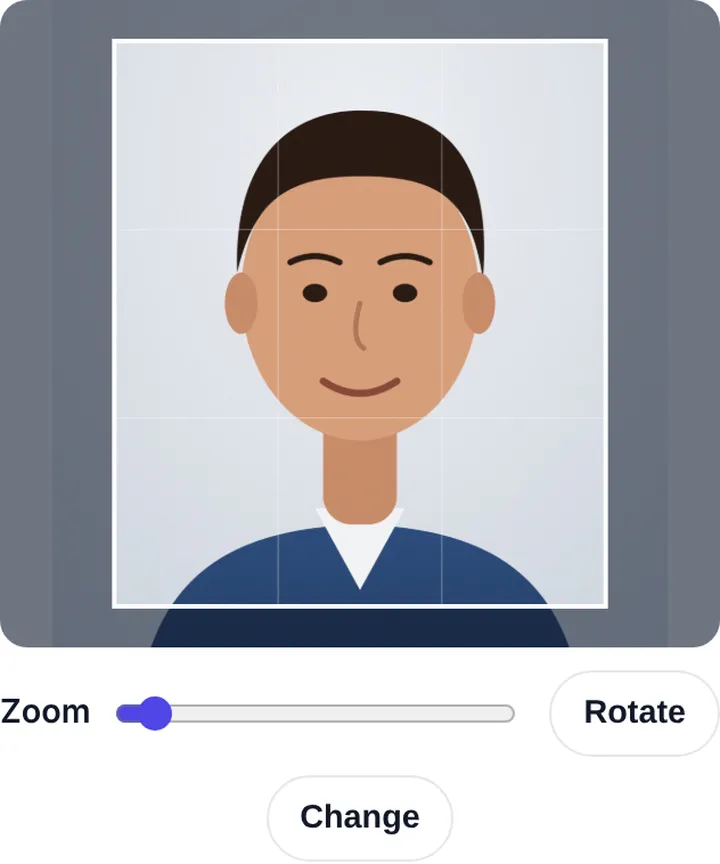
Open the photo resizer, crop with even background visible around your head, set your form’s pixels and KB (or choose your exam from the exam size list), and press Make photo.
For printed copies, the passport photo sheet maker puts 8 on a 4 × 6 print.
A five-minute white backdrop
If every wall at home is coloured, you can still get a clean background:
- Take a plain white bedsheet or a large sheet of white chart paper.
- Pin or tape it flat to a wall, pulling it tight so there are no folds. An ironed sheet looks best.
- Stand half a metre in front of it, facing a window.
- Ask someone to stand a metre away with the phone at your eye level.
Check the shot on the phone: the sheet should look evenly light from top to bottom. If the bottom looks darker, the light is coming from above; move closer to the window. If one side is darker, turn a little toward the light. It’s much quicker than trying to fix the background in an app, and the photo stays genuinely yours.
FAQs
Is an off-white wall acceptable?
For exam and job forms, usually yes. For passport and visa photos, plain white is safer.
Can I use a white door as the background?
Yes, if it’s plain with no panels, handle or hinges in the frame.
My background has a shadow on one side. Is that okay?
A faint shadow often passes on exam forms. A dark shadow behind the head doesn’t. Step further from the wall and face the light.
Does a light blue background work for SSC or bank forms?
Many people have used light blue without trouble, but notices usually say white or light. White removes any doubt.