
A photo with name and date has a white strip at the bottom showing your name and the date the photo was taken, printed in plain black text. Some forms ask for it so they know the photo is recent. You can add it in our photo resizer by ticking Add name & date below photo, typing your name and the date, and pressing Make photo. The final image stays at the form’s pixels and KB.
In this guide
Which forms ask for it
It’s not common on national exams, but it shows up on several state and university forms. KEAM (Kerala) is the best-known example: its photo needs the candidate’s name and date of photograph in a white strip at the bottom, at 150 × 200 pixels and 15–30 KB. Some recruitment notices for state departments and a few defence entries have asked for it too. UPSC, in recent notices, has asked for a photo taken within the last few days, but in the form itself.
The rule is simple: only add it when the notice says so. On forms that don’t ask, a strip with text can be treated as an edited photo.
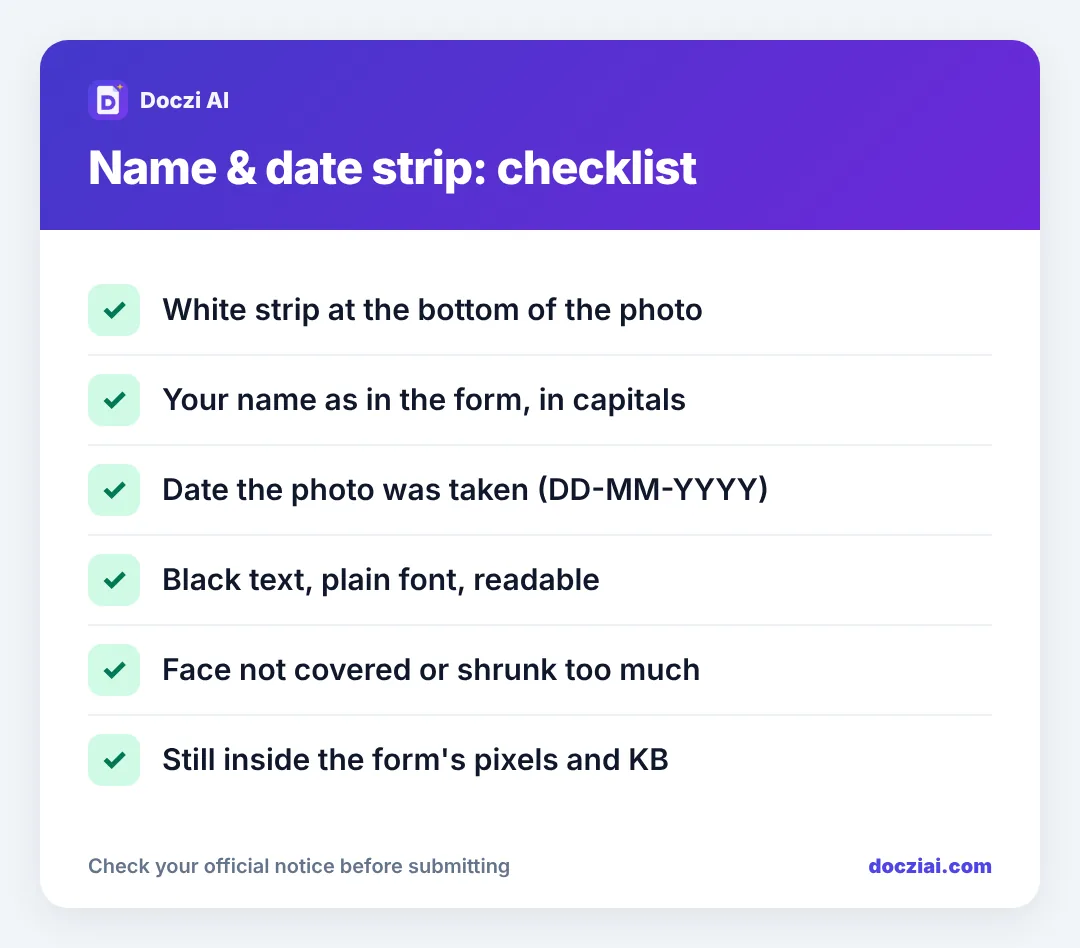
What the strip should look like
- Position: at the bottom, below your chin, not over your face.
- Background: white.
- Name: exactly as you entered it in the form. Capitals are common and easier to read at small sizes.
- Date: the date the photo was taken, usually DD-MM-YYYY or DD/MM/YYYY. Not your date of birth.
- Font: plain, black, as large as fits on one or two lines.
Your face should still take up most of the photo. If you crop very loose and then add a strip, the face becomes too small, which some reviewers reject.
How to add name and date on your phone
- Open the photo resizer, or your exam’s page from the exam list (for KEAM the option is already switched on).
- Select your photo and crop it with your face centred.
- Tick Add name & date below photo.
- Type your name in Name on photo and the date in Date. Today’s date is filled in for you; change it if the photo is older.
- Press Make photo and check the preview. Then download the JPG.
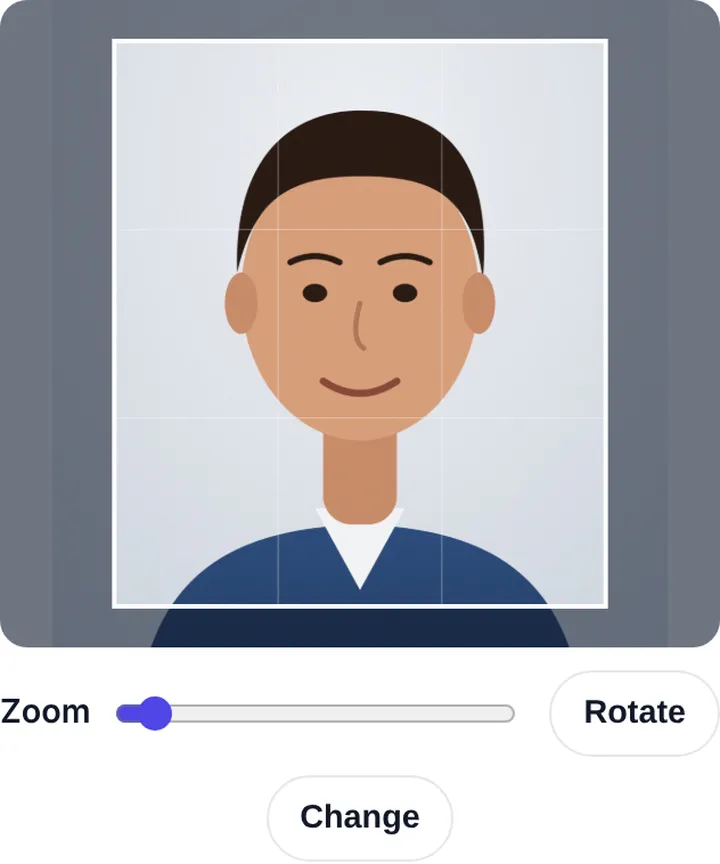
The strip is drawn inside the final size, so a 150 × 200 photo stays 150 × 200 with the strip included.
For printed photos
Some offline forms and school admissions want physical photos with name and date written below. A neat way is to make the photo with the strip and then put several copies on one sheet with the passport photo sheet maker, which keeps the strip. Writing by hand with a pen on glossy paper smudges.
Common mistakes
- Writing the date of birth instead of the photo date.
- Name spelt differently from the form, for example a nickname or missing surname.
- Strip added with a phone editor, then the photo resized, which squashes the text into an unreadable line.
- Adding a strip to a form that never asked for one.
Strip size and text: what looks right
On a 150 × 200 px photo, the strip is roughly the bottom fifth of the image. That leaves enough height for your face while keeping the text readable. Our tool sizes the strip and the text for you, but if you’re checking someone else’s photo, here’s what good looks like:
- Name on one line if it fits, two lines for long names. No cut-off letters.
- Date on its own line under the name.
- Black text on white, no shadow or outline effects.
- The strip spans the full width of the photo.
Engineering entrance forms in Kerala use this format, and so do several Kerala PSC and state-level applications. If you’re filling a few state entrances, the sizes are compared in state CET photo sizes.
FAQs
Should the date be the photo date or today’s date?
The date the photo was taken. If you take it today, they’re the same.
Can I write the name in small letters?
Yes, if it’s readable. Capitals are easier to read at 150 pixels wide, which is why most people use them.
Does the strip count towards the photo’s pixel size?
Yes. The whole image, photo plus strip, must match the size the form gives.
Will the strip increase the KB?
Very slightly. The tool still keeps the file inside the KB range you set.