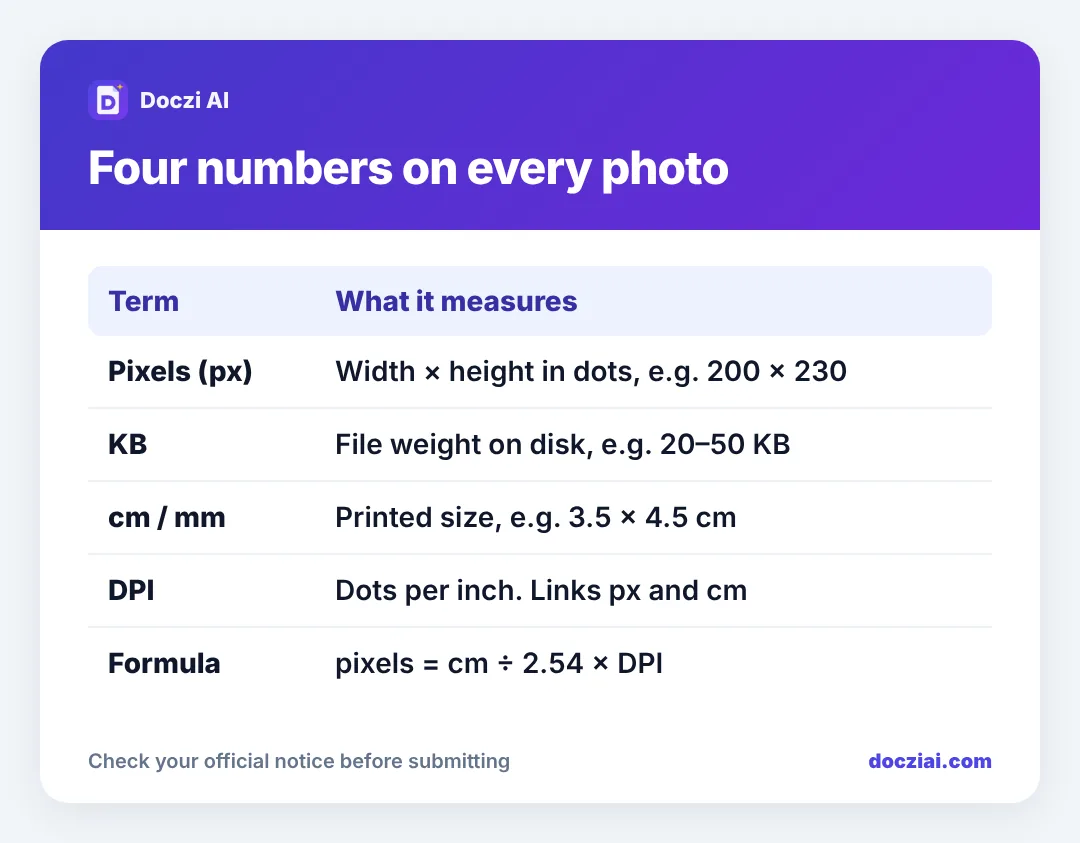
What is DPI, and why does every exam form mention it next to pixels and KB? In short: pixels tell you the shape and detail of the photo, KB tells you how heavy the file is, cm tells you how big it would be on paper, and DPI is the bridge between pixels and cm. An online form’s upload checker only ever looks at pixels, KB and file type. DPI and cm matter only when the notice gives you a size in cm and you need to turn it into pixels.
In this guide
Once these four click, you’ll stop guessing at every new form.
Pixels: the shape of the photo
A digital photo is a grid of tiny coloured squares. “200 × 230 pixels” means 200 squares across and 230 down. Your phone camera takes around 3000 × 4000, which is far more than any form needs.
Pixels decide two things: how much detail is in the photo, and its shape. 200 × 230 is a slightly tall rectangle. If the form wants that and you give it a square 300 × 300, the checker says “invalid dimensions”.
KB: how heavy the file is
KB (kilobytes) is the file size on disk. Two photos with the same 200 × 230 pixels can weigh 15 KB or 80 KB depending on how strongly they’re compressed. JPG compression throws away detail your eye barely notices; more compression means a smaller file and, past a point, blocky smudges.
Forms give a range, such as 20–50 KB, because too heavy wastes their storage and too light usually means a blurry photo. Exactly how much is too light depends on the pixels; we cover it in the “file too small” error.
cm and mm: size on paper
“Passport size, 3.5 × 4.5 cm” is a printed size. A file has no physical size until you print it, which is why online forms that mention cm also give pixels, or expect you to convert.
DPI: the bridge between pixels and cm
DPI means dots per inch: how many pixels go into each inch of paper when printed. An inch is 2.54 cm. So:
pixels = size in cm ÷ 2.54 × DPI
For 3.5 cm wide at 200 DPI: 3.5 ÷ 2.54 × 200 = 275.6, so 276 pixels. For 4.5 cm high: 354 pixels. That’s where the common 276 × 354 comes from on NTA, CTET and many state forms. We worked out the common sizes in converting cm to pixels.
A small detail people worry about: JPG files also store a DPI number in their hidden data. Almost no online form reads it. They check pixels and KB. Our resizer still writes the right DPI, so you don’t need to think about it.
How they connect, with a real example
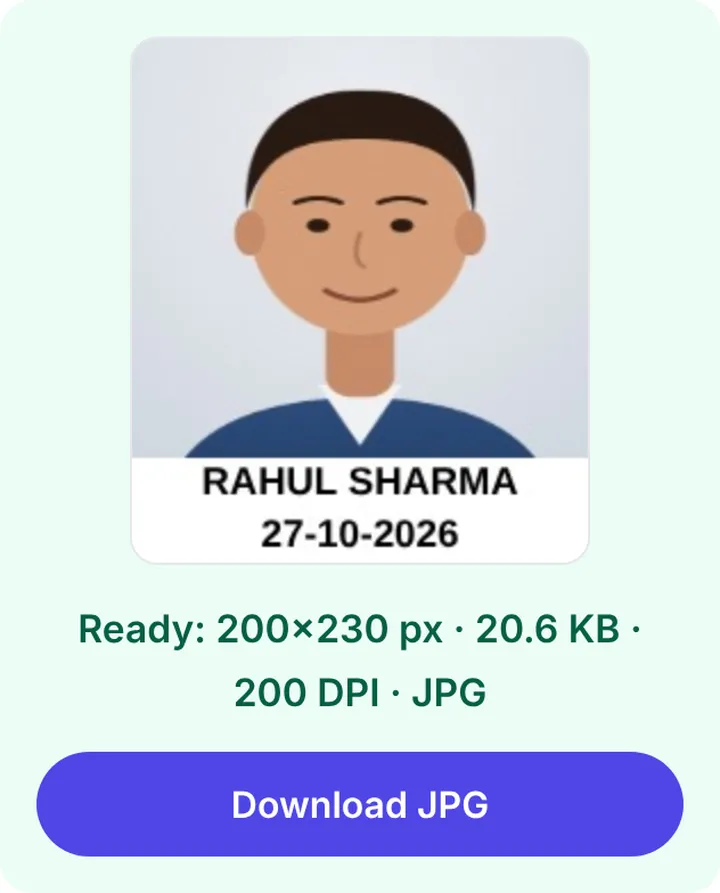
IBPS asks for a photo of 200 × 230 pixels between 20 and 50 KB. Here’s what that means in practice:
| Number | Meaning for your photo |
|---|---|
| 200 × 230 px | Crop to a slightly tall rectangle, face filling most of it |
| 20–50 KB | Save as JPG with medium-high quality |
| JPG | No PNG, no HEIC |
| DPI | Not checked, ignore |
The easy way to get all four right
Pick your exam on the exam photo and signature size list, or open the photo resizer and type the width, height, min KB and max KB yourself. Crop, press Make photo, and the tool hits the pixels exactly and adjusts compression until the KB lands in range.
To see what a photo you already have measures, see checking image size in KB and pixels on your phone.
FAQs
Is a higher DPI photo better for online forms?
No. The upload checker ignores DPI. More pixels add detail, but the form wants a fixed pixel size anyway.
What’s the difference between KB and kb?
KB is kilobytes, used for file size. Lowercase kb technically means kilobits (8 times smaller), but forms that write “kb” almost always mean kilobytes.
How many KB is 1 MB?
1024 KB on most systems, 1000 KB on some. A 2 MB limit is roughly 2000 KB either way.
Can I make a photo bigger in pixels without losing quality?
Only a little. Enlarging adds pixels by guessing, so it looks soft. Start from the original camera photo, not a small WhatsApp copy.