Step-by-step: add your PDFs, put them in order and download one combined PDF. Everything runs in your browser.
What this video shows
- Adding two or more PDF files to the Merge PDF tool.
- Using the arrows to put the files in the right order.
- Pressing Merge PDF and downloading one combined file.
More videos
 How to compress a PDF to a smaller size (free, no upload)
 How to convert JPG photos to one PDF (free, no upload)
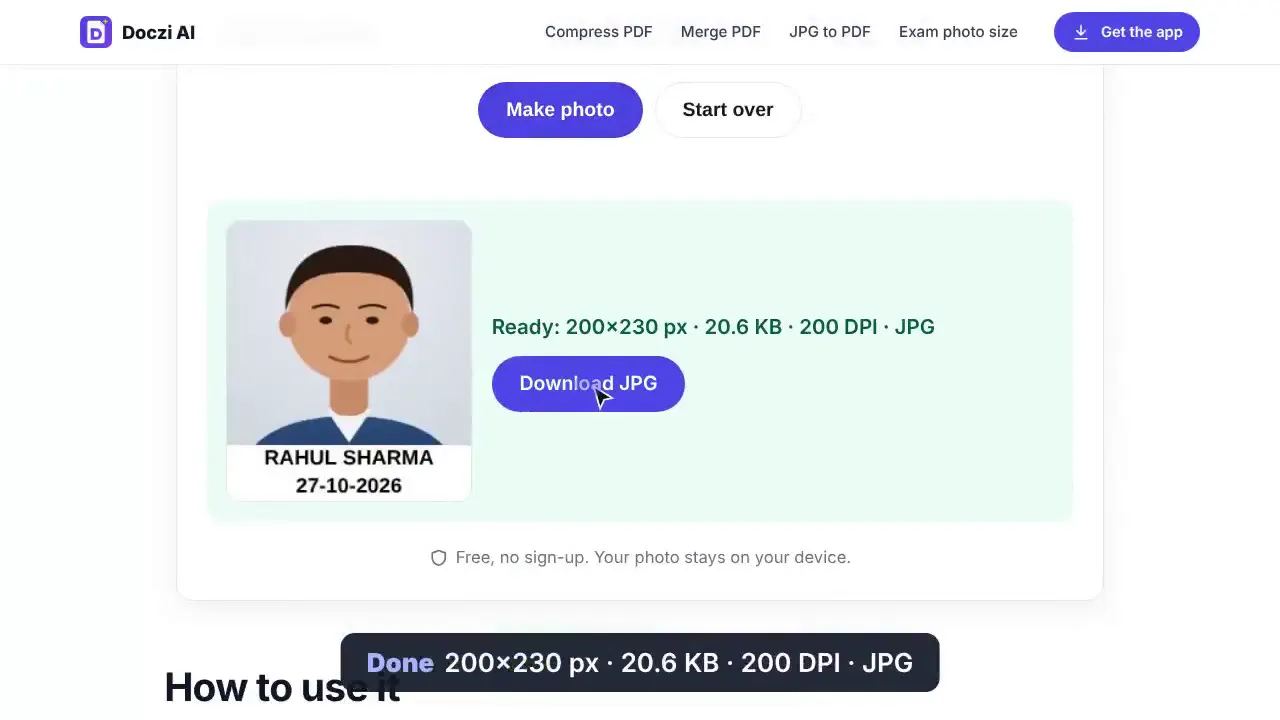 How to resize a photo to 20–50 KB for an exam form (free, no upload)
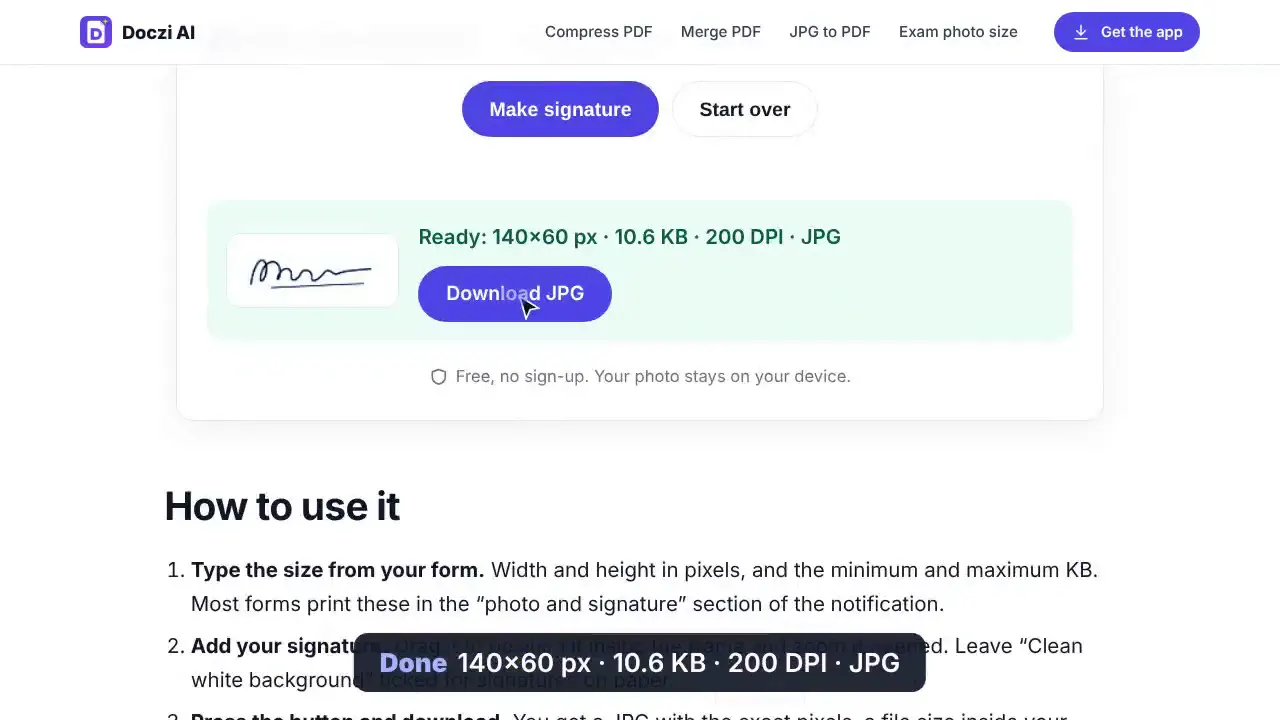 How to resize a signature to 10–20 KB with a white background (free)
 Doczi Drop: send files to a xerox shop by scanning a QR (no WhatsApp)
 For xerox shop owners: receive customer files on your PC with a QR code